
Key facts
- Manuals
- 1
- Categories
- 1
- Languages
- ZH
- Last added
- 2012-03-12
Featured WOLL manuals
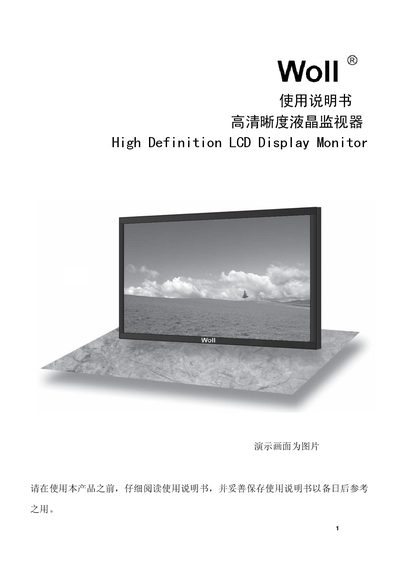
WOLL High Definition LCD Monitor User Manual
This manual explains important safety instructions for the WOLL high‑definition LCD monitor, including proper handling, power‑supply requirements, and precautions against moisture, fire, and electric shock. It also covers cleaning and maintenance procedures to keep the screen and housing in good condition.
The guide details the monitor’s input connectors (Mini D‑sub 15‑pin and DVI‑D), supported video signals, and recommended installation steps. It includes wiring diagrams, accessory information, and troubleshooting tips such as what to do if water or foreign objects enter the unit. This manual is written in Chinese.
Covers: Important Safety Instructions · Safety Precautions · Cleaning and Maintenance · Accessories · PC Input Connector (Mini D‑sub 15‑pin) · DVI‑D Connection
Latest WOLL manuals
WOLL High Definition LCD Monitor User Manual
User Manual 15 pages · 1.1 MB · ZHThe WOLL High Definition LCD Monitor User Manual provides safety guidelines, installation steps, connection details, and maintenance instructions.
Which document do I need?
User Manual
Day-to-day operation, settings and troubleshooting. Start here if the product is already set up.
Questions answered in WOLL manuals
What power supply does the monitor require?
The monitor requires a 220 V AC power source at 50/60 Hz.
What is the maximum display resolution?
The monitor supports up to 1920 × 1080 pixels at a 16:9 aspect ratio.