
Key facts
- Manuals
- 4
- Languages
- ZH · EN
- Last added
- 2012-08-09
Featured Vision manuals
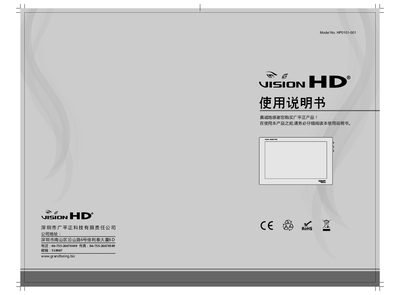
Guangping Zheng HP0101-001 Quick Start Guide
This guide provides essential safety information and operating instructions for the HP0101-001 LCD monitor. Before use, read the manual, avoid moisture, ensure proper power connections, and keep ventilation openings clear to prevent fire or electric shock.
The document also describes how to connect HDMI and audio cables, adjust volume, and clean the screen safely. A brief specification summary lists panel size, resolution, brightness, viewing angle, and power details. This manual is written in Chinese.
Covers: Safety Information · Operation Instructions · Maintenance and Cleaning · Normal Display Phenomena · Item List · Cable and Button Overview
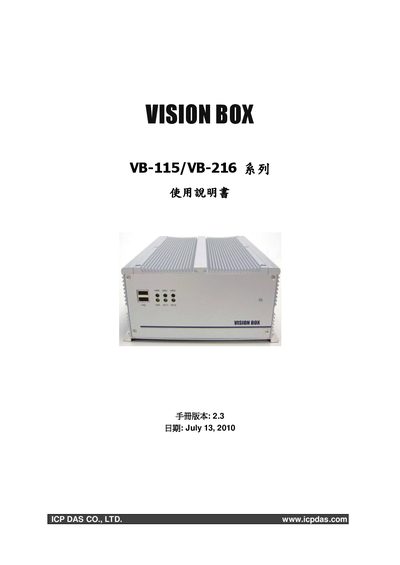
ICP DAS Vision Box VB-115/VB-216 User Manual
This manual describes the Vision Box VB-115 and VB-216 series hardware, including CPU, memory, storage options, I/O ports, power supply, and environmental limits. It lists the physical dimensions, connector layout, and supported operating systems such as Windows XP Embedded.
The document also contains a quick‑start guide, power‑connection wiring, PCI/USB/Ethernet installation procedures, and contact information for regional ICP DAS support centers.
Covers: Hardware Overview · Specifications · Power Connections · Installation Guide · Quick Start · Contact Information
Latest Vision manuals
VISION VIS-153/253/122/36/218 user manual
Guangping Zheng HP0101-001 Quick Start Guide
Quick Start Guide 4 pages · 478 KB · ZHQuick Start Guide with safety, setup, and basic operation instructions for the Guangping Zheng HP0101-001 LCD monitor.
ICP DAS Vision Box VB-115/VB-216 User Manual
User Manual 48 pages · 2.5 MB · ENThe ICP DAS Vision Box VB-115/VB-216 User Manual provides hardware specifications, installation steps, and operating instructions for the Vision Box series.
VISION installation Manual
Which document do I need?
Quick Start Guide
The shortest path to a working setup, usually only a few pages.
User Manual
Day-to-day operation, settings and troubleshooting. Start here if the product is already set up.
Questions answered in Vision manuals
What should I do if a residual image remains on the screen?
The image will gradually fade; you can also turn the power off for several hours to clear it completely.
What CPU is used in the Vision Box VB-115/VB-216?
The Vision Box uses an Intel Mobile Celeron M processor running at 1.5 GHz.
How many USB ports are available on the Vision Box?
It provides two USB 2.0 ports on the front panel and four USB 2.0 ports on the rear panel, for a total of six.