
Key facts
- Manuals
- 1
- Languages
- ZH
- Last added
- 2012-03-12
Featured VCC-HD4600/HD4600P manuals
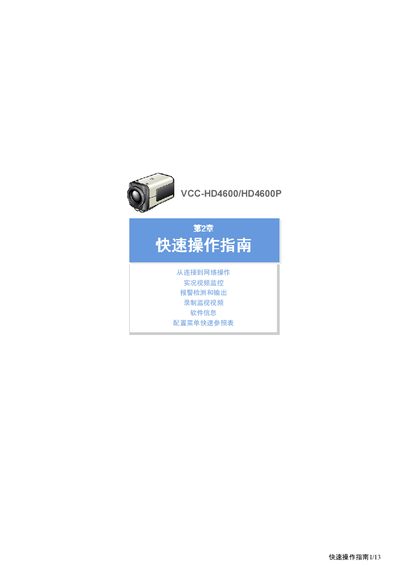
VCC HD4600/HD4600P Quick Start Guide
This guide shows how to connect the VCC HD4600/HD4600P camera to a network, power it, and start live video monitoring. It also explains how to install recording media such as an SD card or external hard drive and how to access the camera from a web browser.
Further sections cover video and audio settings, digital PTZ operation, alarm detection and output configuration, and a quick‑reference menu for advanced options like firmware updates, backup, and log viewing. This manual is written in Chinese.
Covers: Connecting to network · Installing recording media · Live video monitoring · Video & Audio Settings · Digital PTZ · Alarm detection and output
Latest VCC-HD4600/HD4600P manuals
VCC HD4600/HD4600P Quick Start Guide
Quick Start Guide 13 pages · 2.6 MB · ZHQuick start guide for the VCC HD4600/HD4600P IP camera covering network setup, video monitoring, alarm configuration, and recording.
Which document do I need?
Quick Start Guide
The shortest path to a working setup, usually only a few pages.
Questions answered in VCC-HD4600/HD4600P manuals
What power supply voltage should be used for the camera?
Use a 24‑VAC or 12‑VDC power source.
How do I format the recording media?
After installing the media, format it. Insert an SD card into its slot or connect an external HDD to the EX‑HDD terminal before formatting.