
Key facts
- Manuals
- 1
- Languages
- ZH
- Last added
- 2011-12-10
Featured UT-620 manuals
UT-620 TCP/IP Turn RS-232/RS-485/422 net converter Manual
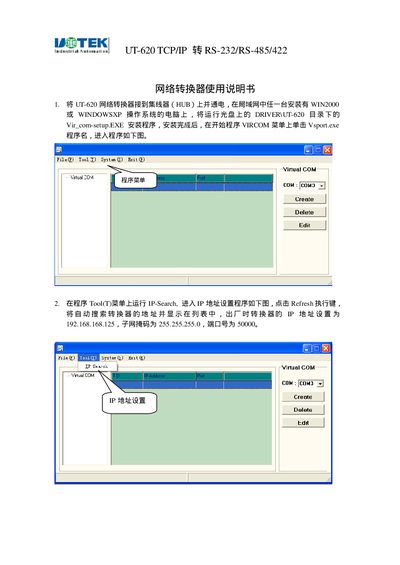
This manual explains how to install the UT-620 TCP/IP Converter, connect it to a hub, and install the required driver software. It guides the user through configuring the device's IP address, subnet mask, gateway, DNS, and TCP/UDP communication parameters.
The document also details the serial port settings such as baud rate, data bits, parity, stop bits, and flow control, as well as power requirements and hardware interfaces. It includes troubleshooting steps for common connection issues and instructions for testing the communication link. This manual is written in Chinese.
Covers: Installation and Driver Setup · IP Address Configuration · TCP/UDP Server and Client Settings · Serial Port (RS‑232/RS‑422/RS‑485) Parameters · Power Supply and Hardware Interface · Operation and Data Transmission
Latest UT-620 manuals
UT-620 TCP/IP Turn RS-232/RS-485/422 net converter Manual
User Manual 13 pages · 1.9 MB · ZHThe UT-620 TCP/IP Converter manual provides setup, driver installation, IP configuration, and communication settings for RS‑232/RS‑485/RS‑422 interfaces.
Which document do I need?
User Manual
Day-to-day operation, settings and troubleshooting. Start here if the product is already set up.
Questions answered in UT-620 manuals
Which baud rates are supported by the serial ports?
Supported baud rates range from 1200 bps up to 230.4 Kbps, with 9600 bps as the default.
From: UT-620 TCP/IP Turn RS-232/RS-485/422 net converter Manual
How can I select the flow control method for the RS‑232 interface?
Choose None, CTS/RTS, or XON/XOFF from the Flow Control options and click Apply.
From: UT-620 TCP/IP Turn RS-232/RS-485/422 net converter Manual