
Key facts
- Manuals
- 2
- Languages
- ZH
- Last added
- 2000-01-01
Featured Ultra-di manuals
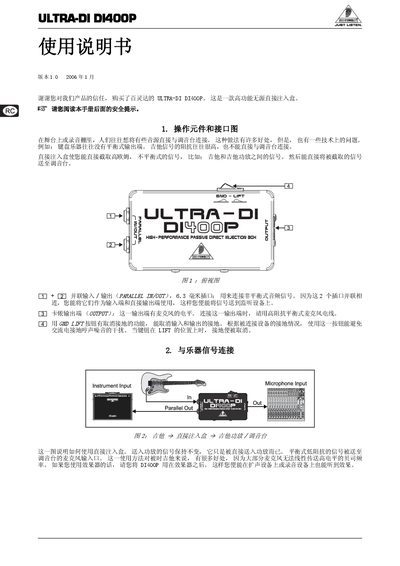
Behringer DI400P User Manual
This manual explains how to connect high‑impedance instruments such as guitars to a mixing console using the DI400P passive direct injection box. It shows the input and output connections, the grounding‑lift switch, and how to place the box in the signal chain for optimal performance.
The document also includes important safety instructions, warranty information, and a full set of technical specifications such as frequency response, distortion, impedance ratio, dimensions, and weight. This manual is written in Chinese.
Covers: Introduction · Operation and Interface Diagram · Instrument Signal Connection · Technical Specifications · Warranty · Safety Instructions
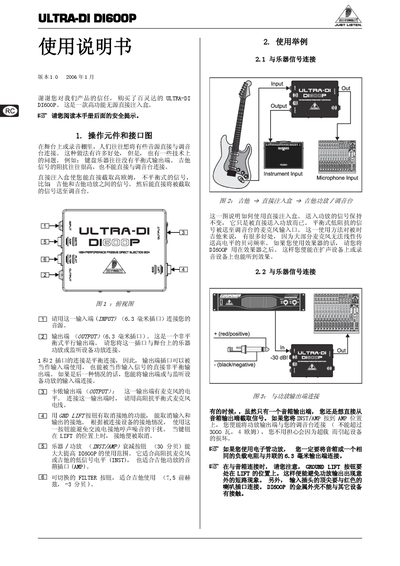
Behringer ULTRA-DI DI600P User Manual
This manual explains how to connect the ULTRA‑DI DI600P to instruments and mixers, describes the function of its input, output, ground‑lift and attenuation controls, and offers wiring diagrams for typical studio and live‑sound setups.
Safety guidelines, dimensional data, warranty information, and technical specifications such as input level, attenuation range, frequency response, and power limits are also included to help users operate the device reliably. This manual is written in Chinese.
Covers: Operation Components and Interface Diagram · Usage Examples · Technical Specifications · Safety Instructions · Dimensions · Warranty
Latest Ultra-di manuals
Behringer DI400P User Manual
User Manual 2 pages · 459 KB · ZHThe Behringer DI400P user manual provides setup instructions, safety guidelines, and technical specifications for the passive direct injection box.
Behringer ULTRA-DI DI600P User Manual
User Manual 2 pages · 664 KB · ZHThe Behringer ULTRA-DI DI600P User Manual provides setup, operation, safety instructions, and technical specifications for the passive direct injection box.
Which document do I need?
User Manual
Day-to-day operation, settings and troubleshooting. Start here if the product is already set up.
Questions answered in Ultra-di manuals
How do I connect a high‑impedance instrument like a guitar to a mixing console using the DI400P?
Connect the instrument to the DI400P input, then use the balanced output to feed the mixing console’s microphone input; the box converts the high‑impedance signal to a low‑impedance mic‑level signal.
What is the frequency response of the DI400P?
The DI400P has a frequency response of 40 Hz – 3 dB up to 20 kHz.
How should I connect my instrument to the ULTRA‑DI DI600P?
Connect the instrument to the 6.3 mm unbalanced input jack (标记为“CAWPLT”) and use the 6.3 mm output jack (标记为“O07PU7D”) for the balanced output to a mixer or amplifier.
What is the maximum power I can send through the DI600P output?
Do not exceed 3000 W into a 4 Ω load; staying within this limit prevents damage to the device.