
Key facts
- Manuals
- 3
- Languages
- ZH
- Last added
- 2026-09-29
Featured TX manuals
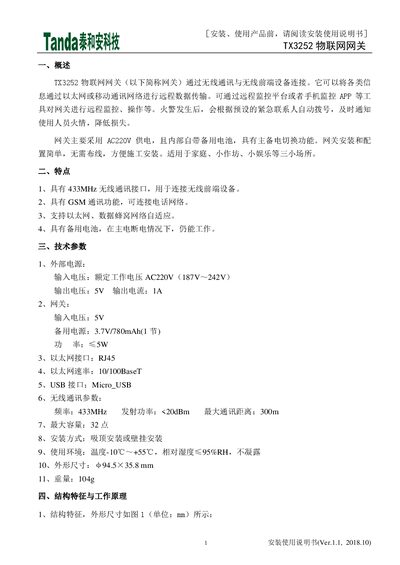
TX TX3252 IoT Gateway Installation Guide
The TX3252 is an IoT gateway that connects wireless front‑end devices via 433 MHz radio, GSM, Ethernet or cellular networks and forwards data to a remote monitoring platform. It runs on AC220 V with an internal backup battery for uninterrupted operation.
This manual covers the product overview, features, technical specifications, mechanical layout, installation methods, wiring, registration of devices, operation procedures, handling, storage, and safety precautions. This manual is written in Chinese.
Covers: Overview · Features · Technical Specifications · Structure and Working Principle · Installation and Wiring · Operation and Use
Latest TX manuals
TX TX3252 IoT Gateway Installation Guide
Installation Guide 4 pages · 320 KB · ZHThe TX3252 IoT Gateway installation guide provides setup steps, wiring, registration, and operation instructions for home and small workshop use.
TX AUTOMOTIVE RELAY
This document introduces the features of a solenoid valve, including rated voltage, rated current, coil power and coil resistance.
TX 898 WASHER-DRYER INSTALLATION OPERATING AND MAINTENANCE INSTRUCTIONS
Which document do I need?
Installation Guide
Mounting, wiring and first power-up. Read it before the hardware goes in.
Questions answered in TX manuals
How do I reset the TX3252 gateway?
Press and hold the gateway’s center button for about 5 seconds until the red indicator turns off; the gateway and all associated devices will be reset.
What power source does the gateway use and does it have a backup battery?
The gateway is powered from AC 220 V and includes an internal backup battery of 3.7 V/780 mAh that automatically takes over if the main power fails.