
Key facts
- Manuals
- 1
- Languages
- JA
- Last added
- 2012-03-15
Featured TOYO-OVG manuals
TOYO-OVG MGV User Manual
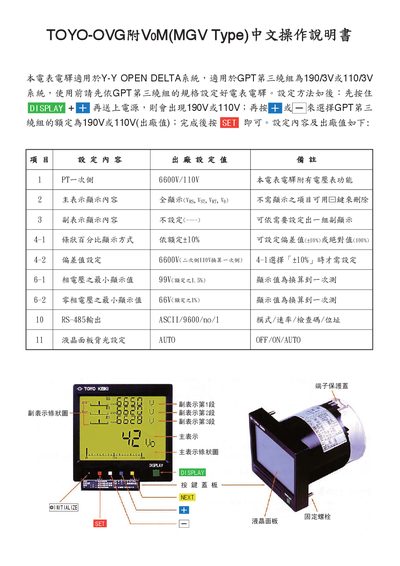
This manual explains how to configure the TOYO-OVG MGV power meter, including basic settings, main and secondary display options, and percentage adjustments. It also covers LCD backlight control, alarm reset, and wiring diagrams for input and output connections.
Key sections guide the user through RS‑485 communication parameters, voltage range selection, and minimum phase voltage settings, ensuring proper operation and accurate measurements. This manual is written in Japanese.
Covers: Basic Settings · Main Display · Secondary Display · Percentage Setting · Minimum Phase Voltage Setting · RS-485 Communication
Latest TOYO-OVG manuals
TOYO-OVG MGV User Manual
User Manual 4 pages · 325 KB · JAThe TOYO-OVG MGV User Manual provides setup, measurement, and RS‑485 communication instructions for the device.
Which document do I need?
User Manual
Day-to-day operation, settings and troubleshooting. Start here if the product is already set up.
Questions answered in TOYO-OVG manuals
How do I change the RS‑485 communication settings?
Press the NEXT key to enter the RS‑485 setting screen, then select the mode, baud rate, parity, and stop bits as needed.
From: TOYO-OVG MGV User Manual
How can I reset the alarm and voltage limits?
Press the [RESET] key (marked with [+] and [Fill]) to reset the alarm and the maximum/minimum voltage values for each phase.
From: TOYO-OVG MGV User Manual