
Key facts
- Manuals
- 2
- Languages
- ZH
- Last added
- 2011-11-03
Featured SeTAQ manuals
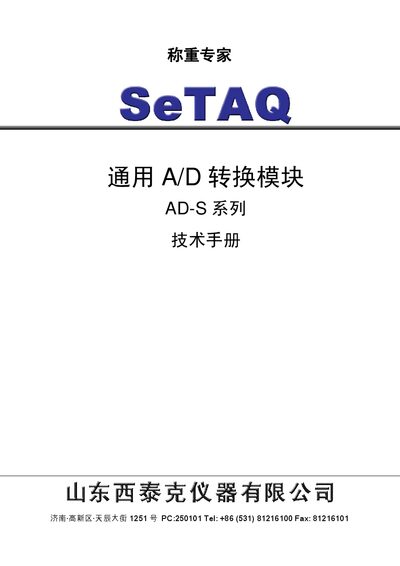
SeTAQ AD-S122 A/D Converter Module Service Manual
The SeTAQ AD‑S122 is a digital‑sensor‑grade A/D conversion module designed for a wide range of analog sensors, AD control systems and digital instrumentation. It offers a broad input range, high resolution, digital filtering, and full‑duplex RS‑485 communication.
The manual provides an overview of the module’s characteristics, detailed wiring diagrams for sensors and host devices, a complete list of command formats and descriptions, default parameter values, and revision notes for firmware updates and hardware changes. This manual is written in Chinese.
Covers: Overview · Features and Specifications · Wiring Connections · Command Settings · Command Descriptions · Default Command Parameters
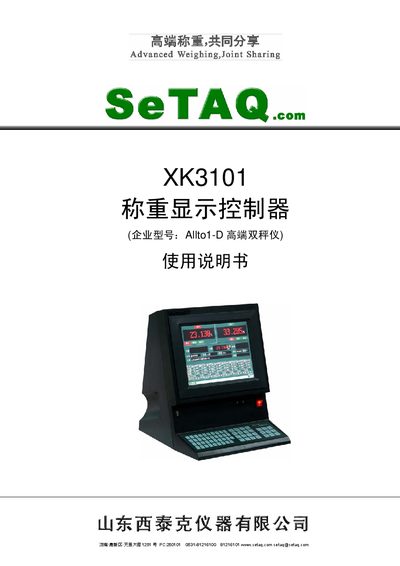
SeTAQ XK3101 Weight Display Controller Manual
The SeTAQ XK3101 is a high‑end dual‑channel weight display controller designed for precise weighing applications. It supports various input types such as analog, digital, and Hirs series multi‑channel A/D converters.
The document covers system overview, functional description, interface connections (RS232, RS485, USB, Profibus), main screen operation, parameter configuration, data output formats, system diagnostics, and a troubleshooting guide with fault codes and solutions. This manual is written in Chinese.
Covers: Overview · Functions and Features · Interfaces · Main Interface Operation · Parameter Settings · System Settings
Latest SeTAQ manuals
SeTAQ AD-S122 A/D Converter Module Service Manual
Service Manual 51 pages · 686 KB · ZHTechnical service manual for the SeTAQ AD‑S122 A/D conversion module, covering features, wiring, commands and specifications.
SeTAQ XK3101 Weight Display Controller Manual
User Manual 66 pages · 1.8 MB · ZHThe manual provides overview, installation, interface details, operation, parameter settings and troubleshooting for the SeTAQ XK3101 weight display controller.
Which document do I need?
Service Manual
Disassembly, diagnostics and part numbers, for repair.
User Manual
Day-to-day operation, settings and troubleshooting. Start here if the product is already set up.
Questions answered in SeTAQ manuals
What is the maximum input signal range of the AD‑S122?
The module accepts input signals from ±10 mV up to ±5 V.
Which communication interface does the AD‑S122 use?
It uses a full‑duplex RS‑485 serial interface.