
Key facts
- Manuals
- 1
- Categories
- 1
- Languages
- EN
- Last added
- 2012-01-17
Featured Second manuals
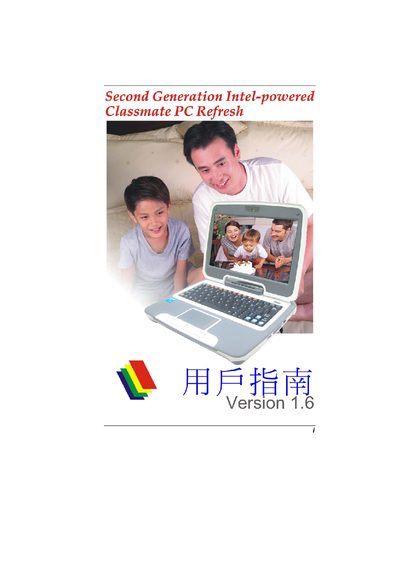
Intel Classmate PC Refresh Second Generation User Manual
This manual provides instructions for the Second Generation Intel‑powered Classmate PC Refresh. It includes information on BIOS configuration, power management, storage options, display options, and connectivity interfaces.
The document also lists regulatory compliance details (FCC, CE, RoHS) and provides technical specifications such as Wi‑Fi standards, USB ports, battery capacity, and supported operating systems (Windows XP and Linux).
Covers: Introduction · Hardware Overview · BIOS Setup · Power and Battery · Display Options · Connectivity
Latest Second manuals
Intel Classmate PC Refresh Second Generation User Manual
User Manual 52 pages · 1.3 MB · ENUser manual for the second‑generation Intel‑powered Classmate PC Refresh, covering setup, operation, and specifications.
Which document do I need?
User Manual
Day-to-day operation, settings and troubleshooting. Start here if the product is already set up.
Questions answered in Second manuals
What Wi‑Fi standard does the Classmate PC Refresh support?
It supports Wi‑Fi 802.11 b/g.
From: Intel Classmate PC Refresh Second Generation User Manual
Which operating systems can be run on the Classmate PC Refresh?
The device can run Windows XP or Linux.
From: Intel Classmate PC Refresh Second Generation User Manual