
Key facts
- Manuals
- 1
- Languages
- ZH
- Last added
- 2012-03-21
Featured SDK3000 manuals
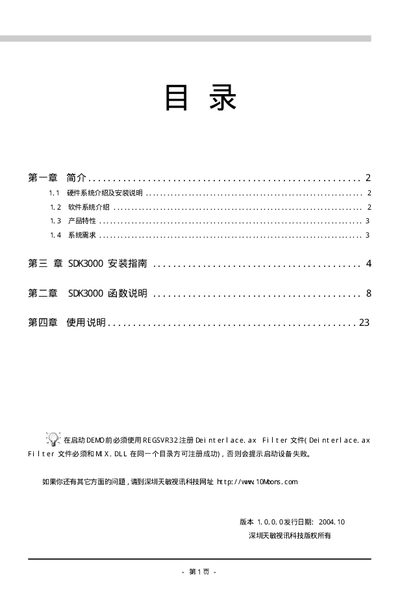
Tianmin SDK3000 Installation Guide
The SDK3000 is a PCI video capture card designed for developers and video‑enthusiasts. It supports up to four video channels and one S‑Video channel, multiple video standards (PAL, NTSC, SECAM) and provides real‑time preview, capture and image processing functions.
This guide explains the system requirements, driver installation, application software setup, and provides detailed function references for developers using the SDK3000 on Windows 2000/XP platforms. This manual is written in Chinese.
Covers: Hardware System Overview · Software System Overview · Product Features · System Requirements · Driver Installation · Application Software Installation
Latest SDK3000 manuals
Tianmin SDK3000 Installation Guide
Installation Guide 24 pages · 573 KB · ZHInstallation guide for the Tianmin SDK3000 PCI video capture card, covering hardware, driver and software setup.
Which document do I need?
Installation Guide
Mounting, wiring and first power-up. Read it before the hardware goes in.
Questions answered in SDK3000 manuals
How do I install the SDK3000 driver on Windows XP?
Insert the SDK3000 driver CD, choose “Search automatically for updated driver” (or browse to the driver folder), and follow the prompts; the system will detect the card and complete the installation.
What video input channels does the SDK3000 support?
The card provides four video channels and one S‑Video channel for simultaneous capture.