
Key facts
- Manuals
- 1
- Languages
- ZH
- Last added
- 2012-03-14
Featured SC-GSM-CX manuals
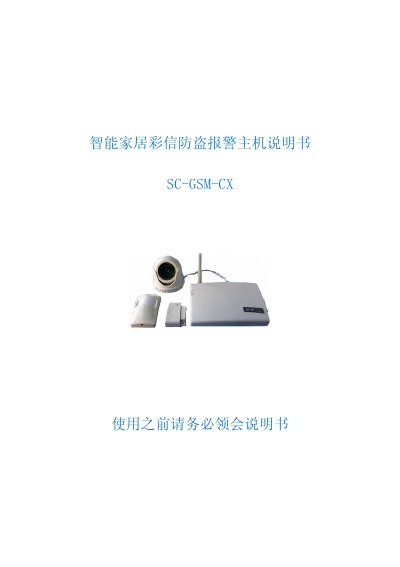
Kangwei SC-GSM-CX Intelligence Home MMS Anti-theft Alarm User Manual
This manual describes the SC‑GSM‑CX intelligent home security system that uses GSM/MMS to send alarm notifications and images to a user's mobile phone. It covers hardware components, power requirements, and the system's ability to monitor doors, windows, smoke, gas, and other sensors.
Step‑by‑step instructions are provided for installing the SIM card, connecting the camera, powering the unit, configuring alarm numbers, testing the alarm, and using the handheld remote or mobile phone to arm, disarm, and control appliances such as lights, sockets, and air‑conditioners. This manual is written in Chinese.
Covers: Product Overview · SIM Card Installation · Camera Connection · Power Supply Connection · Alarm Number Configuration · Alarm Test Procedure
Latest SC-GSM-CX manuals
Kangwei SC-GSM-CX Intelligence Home MMS Anti-theft Alarm User Manual
User Manual 23 pages · 8.4 MB · ZHThe SC‑GSM‑CX intelligence home MMS anti‑theft alarm user manual explains setup, operation, and configuration of the GSM‑based security system.
Which document do I need?
User Manual
Day-to-day operation, settings and troubleshooting. Start here if the product is already set up.
Questions answered in SC-GSM-CX manuals
How do I install the SIM card?
Open the top cover of the main unit and insert a GSM‑network SIM card into the SIM‑card slot of the GSM module.
From: Kangwei SC-GSM-CX Intelligence Home MMS Anti-theft Alarm User Manual
How can I set the alarm phone numbers?
Send an SMS with the format “短信改写1XXXXXXXX” (or 2‑6) to the unit; the default password is “短信改写”. This updates the corresponding alarm number.
From: Kangwei SC-GSM-CX Intelligence Home MMS Anti-theft Alarm User Manual