
Key facts
- Manuals
- 1
- Categories
- 1
- Languages
- ZH
- Last added
- 2011-09-29
Featured RIOCH manuals
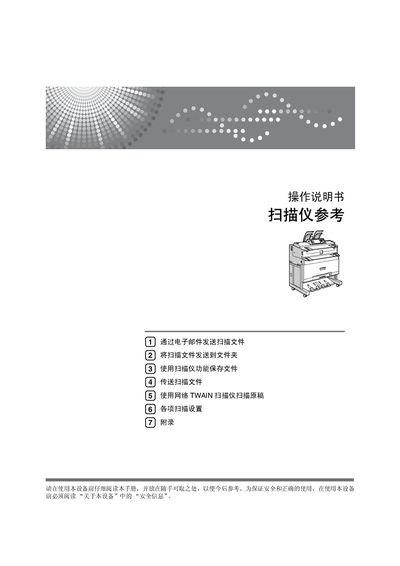
CH B286-6716 Scanner Operating Manual
This manual explains how to safely set up the CH B286-6716 scanner, configure network and email settings, and use the device's various scanning modes. It includes safety information, panel descriptions, and step‑by‑step procedures for common tasks.
Additional sections cover scanning speed options, resolution settings, file format choices, and troubleshooting tips for issues such as paper jams or image quality problems. This manual is written in Chinese.
Covers: Scanner Features Overview · Display Panel and Simplified Screen · Starting a Scan · Email Scanning and File Transfer · Network TWAIN Scanning · Scanning Settings and Resolution
Latest RIOCH manuals
CH B286-6716 Scanner Operating Manual
User Manual 162 pages · 3.2 MB · ZHThe CH B286-6716 scanner operating manual provides detailed instructions for setup, scanning, and file transfer functions.
Which document do I need?
User Manual
Day-to-day operation, settings and troubleshooting. Start here if the product is already set up.
Questions answered in RIOCH manuals
What scanning resolutions are available when using the TWAIN driver?
When operating as a TWAIN scanner you can select resolutions from 150 dpi up to 1200 dpi.
What is the maximum scanning speed at 300 dpi?
At 300 dpi the scanner can process 160 mm per second.