
Key facts
- Manuals
- 1
- Categories
- 1
- Languages
- ZH
- Last added
- 2012-03-06
Featured PublicWRT manuals
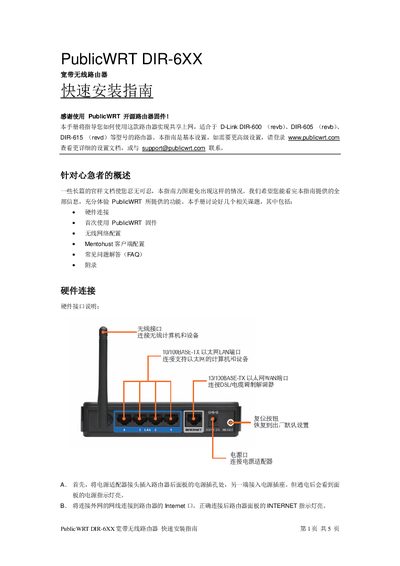
PublicWRT DIR-6XX Broadband Wireless Router Quick Installation Guide
The guide walks you through connecting the router’s power adapter, WAN and LAN ports, and understanding the LED indicators for power, WLAN, WAN and LAN status. It then explains the first‑time firmware setup, including setting the PC to obtain an IP automatically, accessing the router’s web interface, and upgrading to the PublicWRT firmware.
After the basic setup, the document details wireless network configuration, Mentohust client installation for campus authentication, and provides a FAQ section that covers router reset, firmware upgrade, and restoring the original D‑Link firmware. This manual is written in Chinese.
Covers: Hardware Connections · LED Indicators · Initial Firmware Setup · Wireless Network Configuration · Mentohust Client Configuration · FAQ
Latest PublicWRT manuals
PublicWRT DIR-6XX Broadband Wireless Router Quick Installation Guide
Quick Start Guide 4 pages · 469 KB · ZHThis guide shows how to set up the PublicWRT DIR-6XX broadband wireless router, covering hardware connections, initial configuration, and Mentohust client…
Which document do I need?
Quick Start Guide
The shortest path to a working setup, usually only a few pages.
Questions answered in PublicWRT manuals
How do I reset the router to its factory settings?
With the router powered on, press and hold the reset button next to the power socket for about 10 seconds, then release.
From: PublicWRT DIR-6XX Broadband Wireless Router Quick Installation Guide