
Key facts
- Manuals
- 1
- Languages
- ZH
- Last added
- 2012-03-14
Featured Progisp manuals
Progisp Software User Manual
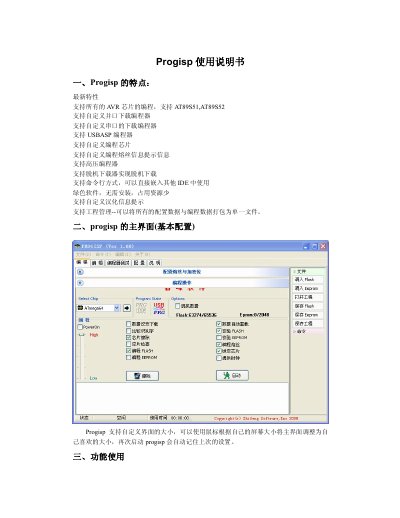
Progisp is a portable, lightweight programming tool that supports all AVR chips, including AT89S51 and AT89S52, as well as a variety of custom parallel, serial, USBASP and high‑voltage programmers. The software offers a customizable interface, command‑line integration, and automatic project management features such as data buffering and serial number handling.
The manual explains how to select target chips, connect programmers, perform programming or erasing operations, test programmer functionality, and adjust settings like clock unlocking and firmware upgrades. It also covers configuration of parallel‑port addresses and serial‑port options for different hardware adapters. This manual is written in Chinese.
Covers: Features · Main Interface · Using Functions · Programmer Testing · Configuration
Latest Progisp manuals
Progisp Software User Manual
User Manual 8 pages · 977 KB · ZHThe Progisp User Manual provides step‑by‑step instructions for using the Progisp software to program AVR chips, configure programmers, and manage projects.
Which document do I need?
User Manual
Day-to-day operation, settings and troubleshooting. Start here if the product is already set up.
Questions answered in Progisp manuals
How do I select a chip to program?
Open the chip selection drop‑down box and choose the desired chip; click the black arrow to view the wiring diagram or chip placement picture.
How can I test my programmer with Progisp?
Use the programmer test tab; for a high‑voltage programmer connect a multimeter’s negative lead to pin 20 and the positive lead to the other pins as described, then click the test button.