
Key facts
- Manuals
- 1
- Languages
- ZH
- Last added
- 2012-03-16
Featured PosiTectorDPM manuals
PosiTector DPM Dew Point Meter User Manual
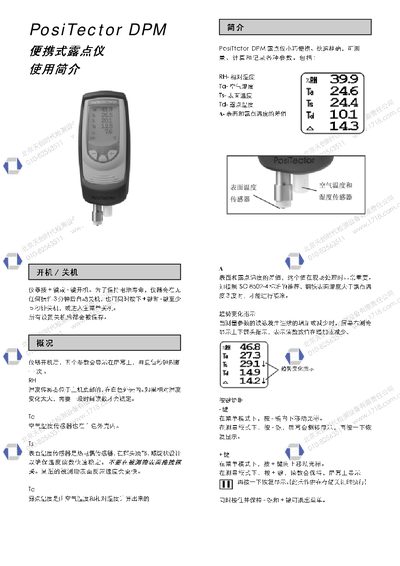
The PosiTector DPM dew point meter displays five parameters—relative humidity (RH), air temperature (Ta), surface temperature (Ts), dew point temperature (Td), and the difference (A)—which refresh every second. Sensors include a humidity sensor at the bottom of the main unit, an air‑temperature sensor inside the white housing, and a thermocouple surface‑temperature sensor on the probe.
The instrument can store up to 100 batches and 560 data points, supports automatic shutdown after 3 minutes of inactivity, and provides alarm when the surface‑to‑dew‑point temperature difference falls below 3 °C. Settings such as units, language, and storage interval are configurable via the menu, and a factory reset clears all data and restores default parameters. This manual is written in Chinese.
Covers: Power On/Off · Sensor Overview · Parameter Display · Data Storage Management · Alarm Settings · Menu Navigation
Latest PosiTectorDPM manuals
PosiTector DPM Dew Point Meter User Manual
User Manual 3 pages · 271 KB · ZHThe PosiTector DPM dew point meter manual explains operation, data storage, and settings for measuring humidity, temperature, and dew point.
Which document do I need?
User Manual
Day-to-day operation, settings and troubleshooting. Start here if the product is already set up.