
Key facts
- Manuals
- 2
- Languages
- ZH
- Last added
- 2011-12-26
Featured PenMount manuals
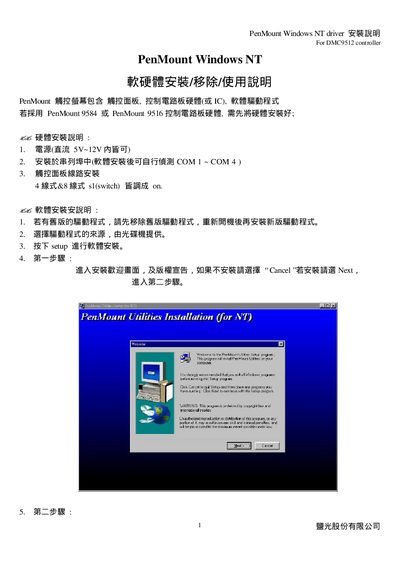
PenMount DMC9512 Installation Guide
This guide explains how to install the PenMount DMC9512 driver on Windows NT systems. It includes hardware connection steps, power requirements, serial port configuration, and software installation procedures.
After installation you must run the first calibration, can use the Draw & Statistics tools, and learn how to safely remove the driver. Troubleshooting tips for blue‑screen issues, wake‑up problems and calibration accuracy are also provided. This manual is written in Chinese.
Covers: Hardware Installation · Software Installation · Installation Steps · Calibration · Software Removal · Troubleshooting
Latest PenMount manuals
PenMount Windows95/98/Me installation manual
PenMount DMC9512 Installation Guide
Installation Guide 12 pages · 1.9 MB · ZHInstallation guide for PenMount DMC9512 Windows NT driver, covering hardware setup, software install, calibration and removal.
Which document do I need?
Installation Guide
Mounting, wiring and first power-up. Read it before the hardware goes in.
Questions answered in PenMount manuals
Why does a blue screen appear after installing the PenMount NT driver on Windows NT 4.0?
Check the BIOS COM port setting; if it is disabled, enable it and reinstall the driver.
Why can't the Wake Up function be used on Windows NT 4.0?
Windows NT 4.0 stays in an active state and does not support sleep or wake‑up features.