
Key facts
- Manuals
- 1
- Languages
- EN
- Last added
- 2012-02-02
Featured OBD manuals
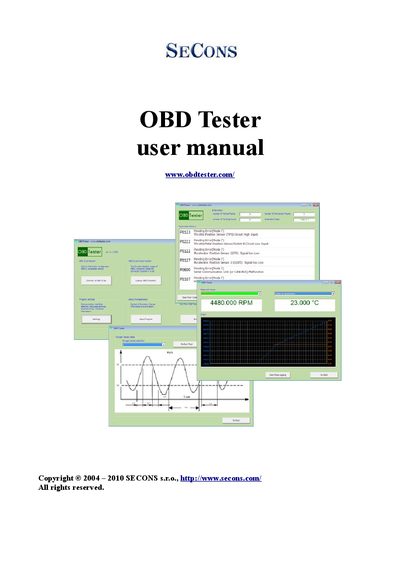
SECONS OBDTester User Manual
This manual introduces the SECONS OBDTester system, which includes the ELM‑USB diagnostic interface and accompanying software. It describes the supported OBD‑II protocols, connector details, and the range of diagnostic modes available (Mode 1‑10).
Installation steps for the software and drivers are provided, followed by guidance on connecting the hardware, configuring ports, and activating a professional license. The document also covers the full set of diagnostic functions, ECU readiness information, and a troubleshooting section for common connection issues.
Covers: Introduction · Software and Drivers Installation · First Steps · Supported OBD‑II Protocols and Modes · Diagnostic Functions · ECU Information and Readiness
Latest OBD manuals
SECONS OBDTester User Manual
User Manual 23 pages · 688 KB · ENThe SECONS OBDTester User Manual explains installation, diagnostic functions, and troubleshooting for the OBDTester OBD‑II interface.
Which document do I need?
User Manual
Day-to-day operation, settings and troubleshooting. Start here if the product is already set up.
Questions answered in OBD manuals
How can I enable Expert mode for manual commands?
Open the Settings menu, go to the Debug section, and click the "Expert mode enable" option; this activates the Manual command button.