
Key facts
- Manuals
- 1
- Languages
- EN
- Last added
- 2011-12-09
Featured NAS-231 manuals
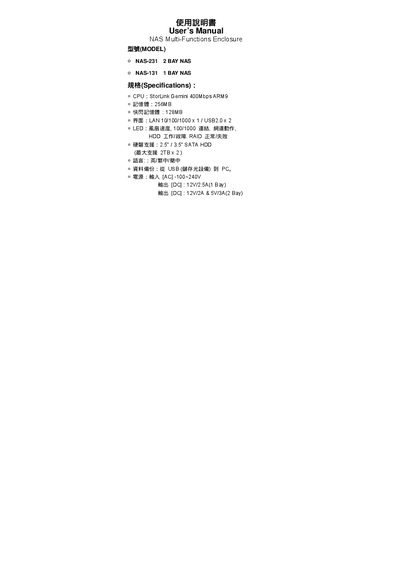
NAS-231 & NAS-131 Network Attached Storage User Manual
This user manual covers the NAS‑231 (2‑bay) and NAS‑131 (1‑bay) network attached storage enclosures. It explains how to install the devices, configure RAID, connect to a network, and use the built‑in services such as FTP, SMB, and NFS.
Key hardware components are described, including the StorLink Gemini ARM9 CPU, 256 MB RAM, 128 MB flash, dual USB 2.0 ports, and gigabit Ethernet. Power requirements for each model, LED status indicators, and reset procedures are also detailed to help users troubleshoot and maintain the units.
Covers: Introduction · Specifications · LED Indicators · Power Supply · Ports and Connections · RAID Configuration
Latest NAS-231 manuals
NAS-231 & NAS-131 Network Attached Storage User Manual
User Manual 67 pages · 668 KB · ENThe manual provides setup, operation, and maintenance instructions for the NAS-231 2‑bay and NAS-131 1‑bay network attached storage devices.
Which document do I need?
User Manual
Day-to-day operation, settings and troubleshooting. Start here if the product is already set up.
Questions answered in NAS-231 manuals
What CPU is used in the NAS devices?
The enclosures use a StorLink Gemini 400 Mbps ARM9 processor.
From: NAS-231 & NAS-131 Network Attached Storage User Manual
How many USB ports are provided?
Each unit includes two USB 2.0 ports.
From: NAS-231 & NAS-131 Network Attached Storage User Manual