
Key facts
- Manuals
- 4
- Languages
- ZH
- Last added
- 2012-05-04
Featured MPLAB manuals
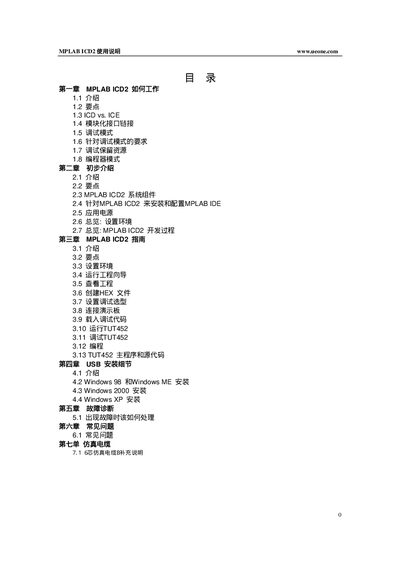
Microchip MPLAB ICD2 User Manual
This manual explains how the MPLAB ICD2 works, its hardware interfaces, and the steps required to install and configure the MPLAB IDE for programming and debugging PIC microcontrollers. It covers power options, USB and RS‑232 connections, and the modular six‑pin interface cable.
The guide also provides troubleshooting tips, FAQs, and detailed wiring diagrams for proper connection of VPP, PGC, PGD, VDD, and VSS pins, as well as information on reserved resources used during debugging. This manual is written in Chinese.
Covers: How MPLAB ICD2 Works · Preliminary Introduction · MPLAB ICD2 Guide · USB Installation Details · Troubleshooting · FAQ
Latest MPLAB manuals
MPLAB -ICD USER S GUIDE
This manual describes the use of the MPLAB-ICD in-circuit debugger, including installation, usage, and troubleshooting.
MPLAB ICD USER S GUIDE
This document is the MPLAB ICD User's Guide by Microchip Technology Inc., which describes the usage and features of the product.
Microchip MPLAB ICD2 User Manual
User Manual 46 pages · 2.7 MB · ZHInstructions for installing, configuring, and using the MPLAB ICD2 debugger/programmer with PIC devices.
MPLAB ICD2 Manual
Which document do I need?
User Manual
Day-to-day operation, settings and troubleshooting. Start here if the product is already set up.
Questions answered in MPLAB manuals
How should the ICD2 be connected to a target PIC board?
Use the six‑pin modular interface cable and connect the VPP/MCLR, PGC, PGD, VDD, and VSS pins as shown in the wiring diagrams.
How do I install the MPLAB IDE drivers for the ICD2?
First install the MPLAB IDE, then install the USB drivers from the DriversXX folder before connecting the ICD2 via USB.