
Key facts
- Manuals
- 2
- Categories
- 1
- Languages
- ZH
- Last added
- 2012-01-17
Featured MICROMEDEX manuals
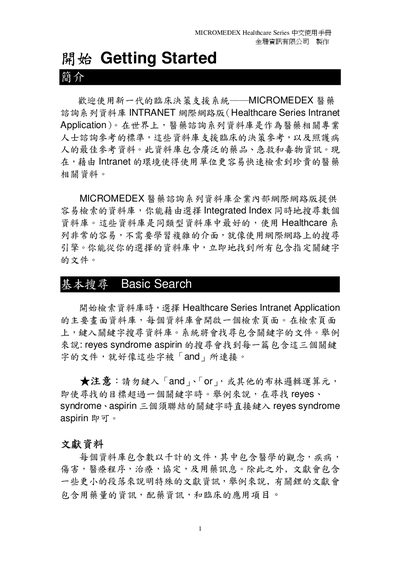
MICROMEDEX Healthcare Series User Manual
The MICROMEDEX Healthcare Series manual provides step‑by‑step instructions for using the intranet‑based drug and toxicology information system. It covers basic searching, keyword selection, document navigation, and printing options.
The guide also includes tips for expanding searches, using synonyms, and handling patient‑specific leaflets, helping clinicians retrieve and print the needed clinical data efficiently. This manual is written in Chinese.
Covers: Getting Started · Basic Search · Choosing Keywords · Searching Synonyms · Expanding Your Search · Document Outline
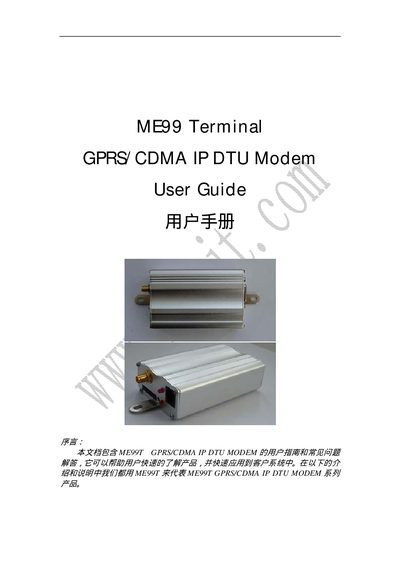
ME99T GPRS/CDMA IP DTU Modem User Manual
The ME99T GPRS/CDMA IP DTU Modem is a compact communication device that supports both GPRS and CDMA networks. It provides TCP/IP, UDP, DNS, PPP and other protocols through a serial RS232/TTL interface, allowing integration into various host systems.
The manual explains hardware connections, power requirements, SIM card installation, and detailed AT command sets for configuring network parameters, baud rates, and data transmission modes. It also includes troubleshooting tips and command reference tables for developers and end‑users. This manual is written in Chinese.
Covers: Introduction · Hardware Interface · Power Supply · Serial Ports · SIM Card Installation · AT Command Set
Latest MICROMEDEX manuals
MICROMEDEX Healthcare Series User Manual
User Manual 53 pages · 860 KB · ZHChinese user manual for the MICROMEDEX Healthcare Series intranet application, explaining search, navigation and printing functions.
ME99T GPRS/CDMA IP DTU Modem User Manual
User Manual 20 pages · 662 KB · ZHUser guide for the ME99T GPRS/CDMA IP DTU Modem covering installation, configuration and AT command usage.
Which document do I need?
User Manual
Day-to-day operation, settings and troubleshooting. Start here if the product is already set up.
Questions answered in MICROMEDEX manuals
How do I perform a basic search in the Healthcare Series?
Enter the keyword(s) in the search box and the system will find files that contain those keywords.
How are patient leaflets printed after a search?
After retrieving the leaflets, click the "Print Ready" button, fill in patient and clinician information, then print.
What voltage range can the ME99T operate on?
It accepts a supply between DC 8 V and DC 32 V, or a 5 V input for low‑power mode.