
Key facts
- Manuals
- 3
- Languages
- EN
- Last added
- 2011-12-11
Featured JPS manuals
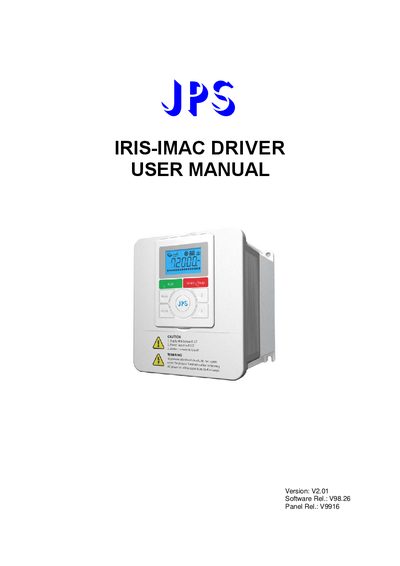
JPS IRIS-IMAC Driver User Manual
This manual covers safety precautions, qualified personnel requirements, and handling instructions for the IRIS‑IMAC driver, including warnings about high voltage and capacitor discharge. It also explains the meaning of name‑plate markings and the different control‑panel options.
The document details the installation process, wiring diagrams, digital control‑panel functions, parameter configuration, alarm messages, maintenance procedures, and certification information. Technical specifications such as input voltage, output current, power rating, and frequency range are listed for various model variants.
Covers: Safety Precautions · Description of IRIS Driver · Installation and Wiring · Digital Control Panel · Parameter Settings · Maintenance and Alarms
Latest JPS manuals
JPS IRIS-IMAC Driver User Manual
User Manual 60 pages · 1.3 MB · ENThe JPS IRIS-IMAC Driver User Manual provides safety instructions, installation guidelines, wiring diagrams, and parameter settings for the IRIS series driver.
JPS IRIS-IMSV-DRIVER user manual(1)
JPS IRIS-IMSV-DRIVER user manual
Which document do I need?
User Manual
Day-to-day operation, settings and troubleshooting. Start here if the product is already set up.
Questions answered in JPS manuals
How long must I wait before opening the inverter cover after power is removed?
Wait at least five (5) minutes after removing AC power to allow the DC‑link capacitors to discharge.
What is the rated input voltage for the IRIS‑IMAC driver?
The driver is rated for 220 V AC at 50‑60 Hz.