
Key facts
- Manuals
- 1
- Languages
- ZH
- Last added
- 2011-12-19
Featured Hwan manuals
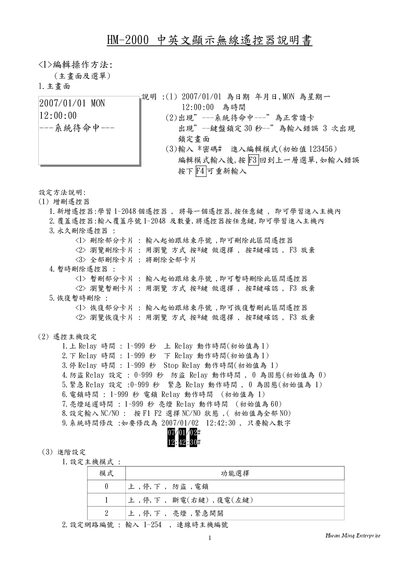
Hwan Ming Enterprise HM-2000 Wireless Remote User Manual
This manual explains how to operate the HM-2000 wireless remote, including editing functions, adding or deleting remote codes, and advanced configuration options such as relay timing and network settings. It also describes the user interface messages and password management.
The document includes detailed wiring diagrams for the AC power input, relay contacts, and RS‑485 communication ports, as well as instructions for restoring factory defaults and setting language display. This manual is written in Chinese.
Covers: Editing Operation Method · Configuration Method · Remote Host Settings · Advanced Settings · History Data Query · Wiring Diagram
Latest Hwan manuals
Hwan Ming Enterprise HM-2000 Wireless Remote User Manual
User Manual 2 pages · 173 KB · ZHThe Hwan Ming Enterprise HM-2000 wireless remote user manual provides operation instructions, configuration settings, and wiring details.
Which document do I need?
User Manual
Day-to-day operation, settings and troubleshooting. Start here if the product is already set up.
Questions answered in Hwan manuals
How do I enter editing mode?
Enter *password#; the default password is 123456.
From: Hwan Ming Enterprise HM-2000 Wireless Remote User Manual
How can I add a new remote code?
Select “Add remote”, then press any key while learning; up to 2048 remotes can be stored.
From: Hwan Ming Enterprise HM-2000 Wireless Remote User Manual