
Key facts
- Manuals
- 3
- Languages
- ZH · EN
- Last added
- 2011-11-16
Featured Hafele manuals
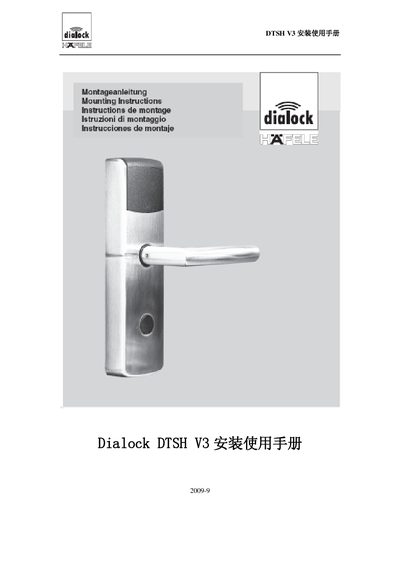
HAFele DTSH V3 Electronic Lock Installation Guide
The DTSH V3 is a hotel‑grade electronic lock from HAFele, designed for interior and fire‑rated doors and equipped with wireless communication, emergency mechanical key, and battery power. It complies with German DIN18251 standards and offers optional fire‑rated configurations.
The manual covers the complete installation process, programming of access cards, battery replacement, emergency mechanical key use, common troubleshooting questions, and technical specifications such as dimensions, power supply, temperature and humidity limits. This manual is written in Chinese.
Covers: Standard Package Accessories · Other Accessories · Applicable Range · Features · Installation Steps · Usage Steps
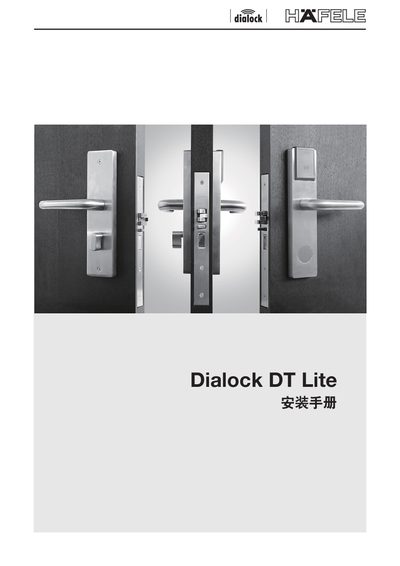
Hafele Dialock DT Lite Installation Guide
This guide provides step‑by‑step instructions for installing the Hafele Dialock DT Lite lock. It includes a list of required components, safety notes, and preparation steps before mounting.
The document also covers alignment, adjustment of the lock mechanism, and final verification to ensure proper operation. Contact information and reference dimensions are included for reference.
Covers: Preparation · Components · Installation Steps · Adjustment and Alignment · Final Checks · Troubleshooting
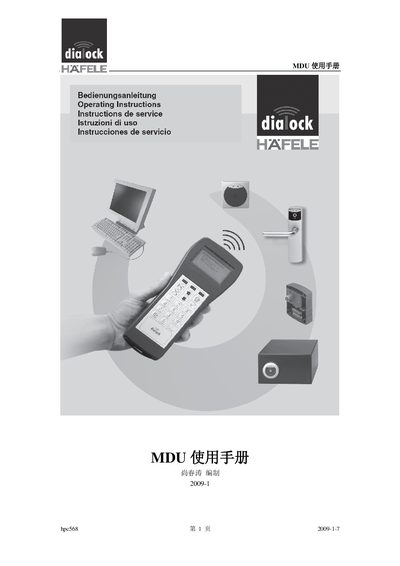
Hafele hpc568 Mobile Data Unit User Manual
The hpc568 Mobile Data Unit (MDU) is a portable data storage device for Hafele electronic lock systems, used to transfer and store lock data in hotel or office environments. It connects via infrared or RS‑232 serial interface and works with a range of Hafele lock products.
The manual provides step‑by‑step instructions for first‑time use, menu navigation, battery replacement, maintenance, initialization, and troubleshooting common communication errors. Technical specifications such as dimensions, display, power requirements and memory are listed at the end. This manual is written in Chinese.
Covers: Standard Kit · Application Scope · Product Features · Operation · MDU Menu · Menu Functions
Latest Hafele manuals
HAFele DTSH V3 Electronic Lock Installation Guide
Installation Guide 23 pages · 526 KB · ZHThis guide provides step‑by‑step installation, programming, battery replacement and maintenance instructions for the HAFele DTSH V3 electronic lock.
Hafele Dialock DT Lite Installation Guide
Installation Guide 8 pages · 806 KB · ENInstallation guide for the Hafele Dialock DT Lite lock system, covering mounting, adjustment and final checks.
Hafele hpc568 Mobile Data Unit User Manual
User Manual 33 pages · 747 KB · ZHUser manual for the Hafele hpc568 Mobile Data Unit, covering operation, menu functions, battery replacement, maintenance and specifications.
Which document do I need?
Installation Guide
Mounting, wiring and first power-up. Read it before the hardware goes in.
User Manual
Day-to-day operation, settings and troubleshooting. Start here if the product is already set up.
Questions answered in Hafele manuals
What should I do if an access card is lost?
First delete all existing access cards using the “delete all cards” procedure, then program new cards with the programming card.
Where can I find more information about the Dialock DT Lite?
Visit www.hafele.com for product details and support.
When was this installation guide published?
The guide is dated April 2006.
What should I do if the MDU displays “Terminal offline”?
Check that the electronic lock is in communication mode, keep the infrared distance under 10 cm, ensure the serial cable connections are reliable, and make sure nothing blocks the line of sight between the MDU and the lock.
What should I do if the MDU displays “Wrong terminal type”?
Verify that the data being transferred matches the type of electronic lock; mismatched lock types cause this error.