
Key facts
- Manuals
- 4
- Languages
- ZH
- Last added
- 2026-09-30
Featured Gene manuals
Gene Gen5 Software User Manual
This manual explains how to connect a plate reader to a computer, verify communication, and start the Gen5 software. It also guides users through creating detection protocols, arranging plates, and configuring data analysis settings.
Additional sections describe how to design report templates, perform absorbance and wavelength‑scan assays, and interpret results, with detailed step‑by‑step instructions and screenshots. This manual is written in Chinese.
Covers: Instrument Connection · Creating a Detection Program · Plate Layout · Data Analysis Settings · Report Template Design · Absorbance and Wavelength Scan Examples
Gene Bio-Application GeBAflex-tube Kit Mini/Midi/Maxi/Mega User Manual
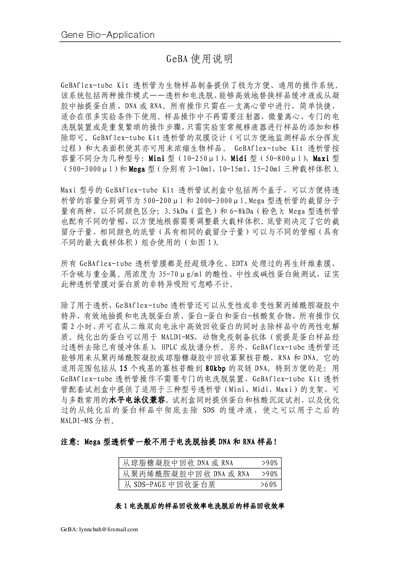
The GeBAflex-tube Kit provides a convenient, universal system for preparing biological samples. It supports two operation modes—dialysis and electro‑elution—and is available in four capacity versions (Mini, Midi, Maxi, Mega). All steps are performed in a single centrifuge tube using standard laboratory pipettes, eliminating the need for syringes, special centrifuges, or dedicated electro‑elution devices.
The kit includes the appropriate tube size, a white rack that holds up to four tubes, and reagents such as MS‑Buffer, TCA, and 3 M acetate buffer. Detailed procedures cover membrane pre‑wetting, sample loading, buffer addition, placement in an electrophoresis chamber, voltage settings, and post‑elution cleanup, with performance data for protein, DNA and RNA recovery. This manual is written in Chinese.
Covers: Introduction · Kit Components · Operation Modes · Dialysis Procedure · Electro‑elution Procedure · Performance Data
Latest Gene manuals
Gene Gen5 Software User Manual
User Manual 26 pages · 1.4 MB · ZHChinese user manual for Gene's Gen5 software, covering instrument connection, program creation, plate layout, and data analysis.
Gene Pulser Xcell Electroporation System Instruction Manual
This manual describes the operation of the Gene Pulser Xcell electroporation system, including how to connect the instrument, prepare the electroporation vector, set parameters, and perform electroporation.
Gene Pulser MXcell Electroporation System Instruction Manual
This manual describes the safe use and regulatory requirements for the Gene Pulser MXcell electroporation system.
Gene Bio-Application GeBAflex-tube Kit Mini/Midi/Maxi/Mega User Manual
User Manual 5 pages · 167 KB · ZHThe Gene Bio-Application GeBAflex-tube Kit manual explains dialysis and electro‑elution procedures for Mini, Midi, Maxi and Mega tube models.
Which document do I need?
User Manual
Day-to-day operation, settings and troubleshooting. Start here if the product is already set up.
Questions answered in Gene manuals
What operating systems are supported by the Gen5 software?
The software runs on Windows 98, Windows 2000, Windows XP, and Windows NT.
What operation modes does the GeBAflex-tube Kit support?
It supports two modes: dialysis and electro‑elution.
From: Gene Bio-Application GeBAflex-tube Kit Mini/Midi/Maxi/Mega User Manual
Which tube model should not be used for DNA or RNA electro‑elution?
The Mega model is generally not suitable for DNA and RNA electro‑elution.
From: Gene Bio-Application GeBAflex-tube Kit Mini/Midi/Maxi/Mega User Manual