
Key facts
- Manuals
- 1
- Categories
- 1
- Languages
- ZH
- Last added
- 2011-09-20
Featured G132打印机 manuals
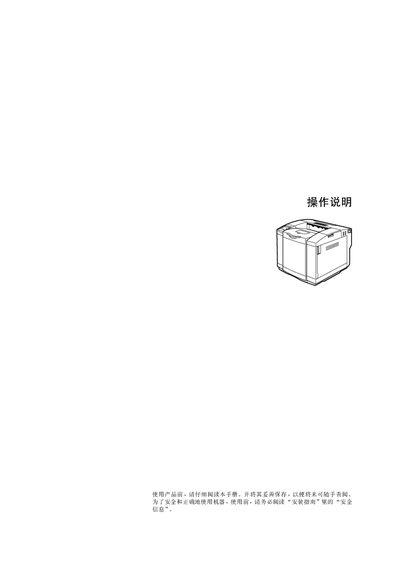
G132 Printer User Manual
This manual explains how to safely operate the G132 laser printer, including power‑on/off procedures, loading media, installing drivers, and replacing consumables such as toner cartridges and drums. It also describes the control panel functions, LCD indicators, and menu navigation for configuring the device.
Appendices list technical specifications, supported media types and sizes, optional accessories, and notes for mobile printer use. Troubleshooting sections cover paper‑feed errors, print‑quality problems, and error messages displayed on the LCD. This manual is written in Chinese.
Covers: Safety Information · Basic Operation · Media Loading · Driver Installation · Consumable Replacement · Control Panel and LCD
Latest G132打印机 manuals
G132 Printer User Manual
User Manual 100 pages · 3.7 MB · ZHThe G132 printer user manual provides safety information, setup steps, media specifications, and troubleshooting guidance.
Which document do I need?
User Manual
Day-to-day operation, settings and troubleshooting. Start here if the product is already set up.