
Key facts
- Manuals
- 1
- Languages
- ZH
- Last added
- 2012-03-12
Featured FLEXUS manuals
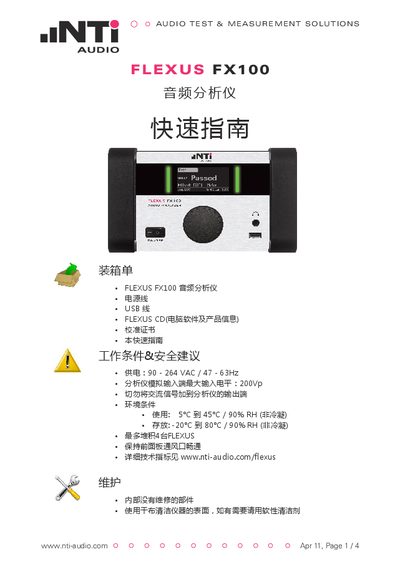
NTI Audio FLEXUS FX100 Audio Analyzer Quick Start Guide
The FLEXUS FX100 audio analyzer is supplied with power and USB cables, a CD containing software, and a calibration certificate. This guide covers unpacking, safety advice, power requirements, and basic operation of the device.
It explains how to install the software from the CD, connect the analyzer to a PC via USB, perform firmware upgrades, set date and time, and configure headphone output options. Contact information for NTI Audio support locations worldwide is also provided. This manual is written in Chinese.
Covers: Packing List · Working Conditions & Safety Advice · Interface Overview · Getting Started · Firmware Upgrade · Date and Time Setting
Latest FLEXUS manuals
NTI Audio FLEXUS FX100 Audio Analyzer Quick Start Guide
Quick Start Guide 4 pages · 417 KB · ZHQuick guide for setting up and operating the NTI Audio FLEXUS FX100 audio analyzer.
Which document do I need?
Quick Start Guide
The shortest path to a working setup, usually only a few pages.
Questions answered in FLEXUS manuals
How do I install the FLEXUS software?
Insert the FLEXUS CD into the computer, open the CD folder and double‑click setup.exe, then follow the on‑screen prompts.
From: NTI Audio FLEXUS FX100 Audio Analyzer Quick Start Guide
How can I upgrade the firmware on the FX100?
Download the *.fxu file to a USB drive, connect the drive to the analyzer, then select SYSTEM → =VER → FW‑UPDATE and choose the file to start the automatic upgrade.
From: NTI Audio FLEXUS FX100 Audio Analyzer Quick Start Guide