
Key facts
- Manuals
- 2
- Models
- 1
- Categories
- 1
- Languages
- ZH
- Last added
- 2012-03-09
EZshot models by category
Featured EZshot manuals
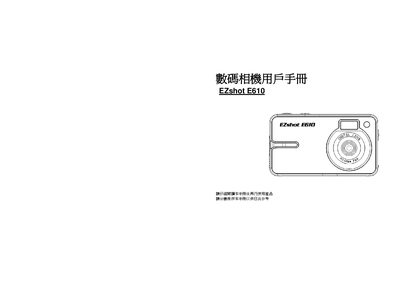
EZshot E610 Digital Camera User Manual
This manual introduces the EZshot E610 digital camera, describing its main features such as a 2.4‑inch TFT LCD, 4× digital zoom, and support for SD/ MMC cards up to 4 GB. It explains how to install the provided software, connect the camera via USB, and use the Quick Start guide to capture photos and videos.
The document also lists the minimum PC requirements for Windows, Vista, and Mac OS X, details camera modes (photo, video, playback), and includes an appendix with technical specifications and a troubleshooting section that helps resolve common connection issues. This manual is written in Chinese.
Covers: Quick Start Guide · System Requirements · Camera Modes · LCD Display · Technical Specifications · Troubleshooting
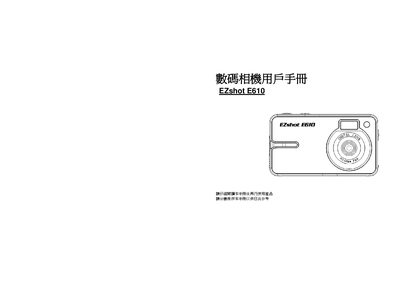
EZshot E610 Digital Camera User Manual
This user manual covers the EZshot E610 digital camera, describing its main features such as a 2.4‑inch TFT LCD, 4× digital zoom, and support for SD cards up to 4 GB. It explains how to use the camera, select shooting modes, and manage photos with the included PhoTags Express software.
The guide also lists the minimum computer system requirements for Windows, Vista, and Mac, explains the USB 2.0 connection, and provides a troubleshooting section for cases where the computer does not recognize the camera. This manual is written in Chinese.
Covers: Main Features · System Requirements · Quick Start · Camera Modes · LCD Display · Technical Specifications
Latest EZshot manuals
EZshot E610 Digital Camera User Manual
User Manual 40 pages · 1 MB · ZHThe EZshot E610 digital camera user manual provides setup, operation, system requirements, and troubleshooting instructions.
EZshot E610 Digital Camera User Manual
User Manual 40 pages · 1 MB · ZHThe manual provides operating instructions, specifications, system requirements, and troubleshooting for the EZshot E610 digital camera.
Which document do I need?
User Manual
Day-to-day operation, settings and troubleshooting. Start here if the product is already set up.