
Key facts
- Manuals
- 1
- Languages
- ZH
- Last added
- 2012-01-17
Featured EYE manuals
Genius Eye 311Q Network Camera User Manual
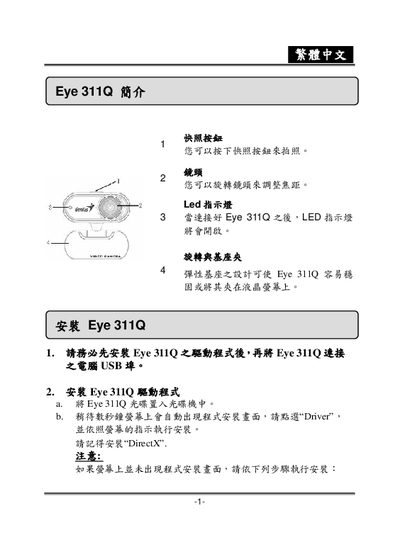
This manual introduces the Eye 311Q network camera, showing how to install the driver, connect the USB cable, and launch the accompanying Genius software on Windows. It also explains the physical features such as the snapshot button, rotating lens, LED indicator, and flexible mounting base.
The guide details the software functions, including preview mode, static and dynamic capture modes, safety monitoring, image parameter adjustments, resolution choices (VGA, SVGA, XGA, SXGA), image formats (RGB24, I420), and a collection of 27 image effects. Instructions for saving, printing, and uninstalling the driver are also provided. This manual is written in Chinese.
Covers: Introduction · Installation · Software Features · Image Parameter Settings · Capture Modes · Image Adjustment
Latest EYE manuals
Genius Eye 311Q Network Camera User Manual
User Manual 20 pages · 1 MB · ZHThe Genius Eye 311Q network camera user manual provides installation steps, software features, image settings, and safety monitoring instructions.
Which document do I need?
User Manual
Day-to-day operation, settings and troubleshooting. Start here if the product is already set up.
Questions answered in EYE manuals
How do I install the Eye 311Q driver?
Insert the Eye 311Q CD, run SETUP.EXE (or D:\SETUP.EXE), and follow the on‑screen prompts to install the driver and DirectX.
How can I capture a static image with the camera?
Select the 靜態影像擷取模式 in the software and press the snapshot button to take a picture, which can then be emailed to friends.