
Key facts
- Manuals
- 1
- Languages
- ZH
- Last added
- 2011-12-16
Featured EC2000 manuals
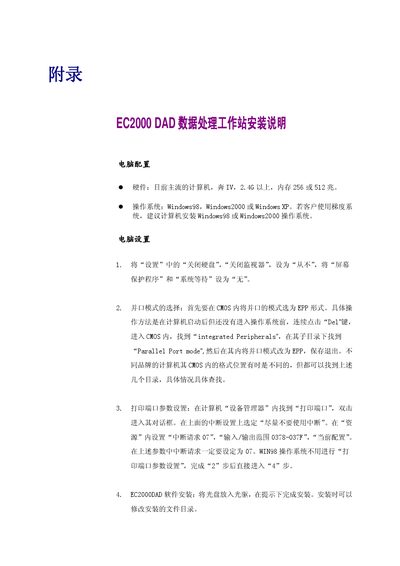
EC2000 DAD Data Treatment Workstation Installation Manual
This manual explains how to prepare a computer for the EC2000 DAD data treatment workstation. It lists the required hardware (a mainstream PC with a Pentium IV 2.46 GHz CPU and 256‑512 MB RAM) and supported operating systems (Windows 98, Windows 2000, or Windows XP).\n\nDetailed steps are provided for configuring the parallel port to EPP mode, setting printer‑port IRQ and I/O range, installing the DAD software from CD, performing communication tests, selecting array parameters, and creating the necessary folder structure on the host PC. All connection work should be done with power off to avoid communication issues. This manual is written in Chinese.
Covers: Computer Configuration · Operating System Requirements · Parallel Port Mode Selection · Printer Port Parameter Settings · Software Installation · Communication Test
Latest EC2000 manuals
EC2000 DAD Data Treatment Workstation Installation Manual
Installation Guide 2 pages · 122 KB · ZHInstallation guide for the EC2000 DAD data treatment workstation, covering computer setup, parallel‑port configuration, and software installation.
Which document do I need?
Installation Guide
Mounting, wiring and first power-up. Read it before the hardware goes in.
Questions answered in EC2000 manuals
Which Windows operating systems are supported by the EC2000 DAD workstation?
The workstation supports Windows 98, Windows 2000, and Windows XP.
From: EC2000 DAD Data Treatment Workstation Installation Manual
How do I set the parallel port to EPP mode?
Enter the BIOS (press Del during boot), locate the Parallel Port mode setting under Integrated Peripherals, and change it to EPP.
From: EC2000 DAD Data Treatment Workstation Installation Manual