
Key facts
- Manuals
- 1
- Languages
- JA
- Last added
- 2011-11-17
Featured E-ZEUS manuals
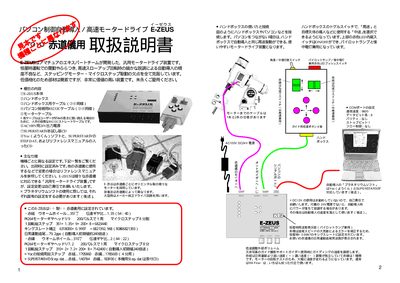
E-ZEUS Motor Drive User Manual
This manual provides instructions for installing and operating the E‑ZEUS motor drive, a universal drive unit for equatorial telescope mounts. It covers power connections, handbox controls, and software setup for automatic tracking and guiding.
The guide details how to connect the handbox, RS‑232C cable, and optional auto‑guider, explains speed adjustments via the high/low toggle and internal volume knobs, and offers tips for using the device with different power sources and correcting tracking errors. This manual is written in Japanese.
Covers: Power On and Safety · Speed Selection (High / Low) · Guide Speed Adjustment · Auto‑Guider Connection and Pinout · Using DC12V Power · Reverse Switch for Axis Direction
Latest E-ZEUS manuals
E-ZEUS Motor Drive User Manual
User Manual 4 pages · 281 KB · JAThe E-ZEUS manual explains setup, operation, auto‑guiding, and troubleshooting for the motor drive used with equatorial telescope mounts.
Which document do I need?
User Manual
Day-to-day operation, settings and troubleshooting. Start here if the product is already set up.
Questions answered in E-ZEUS manuals
How do I switch between high and low speed operation?
Use the toggle switch on the handbox; the high‑speed position enables fast auto‑tracking, while the low‑speed position is used for guiding.
How should I connect an auto‑guider to the E‑ZEUS unit?
Connect the auto‑guider via the 6‑pin modular connector using the pinout: RA+ (W), DBC+ (⑤), DBC‑ (N), RA‑ (B), GND, GND.