
Key facts
- Manuals
- 1
- Categories
- 1
- Languages
- EN
- Last added
- 2012-03-09
Featured DPF-1525 manuals
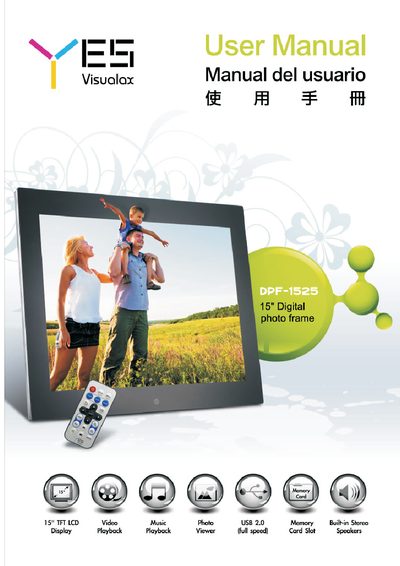
YES DPF-1525 Digital Photo Frame User Manual
This manual covers safety precautions, hardware overview, and basic operation of the YES DPF-1525 digital photo frame. It explains how to power the device, use the remote control, and navigate menus for picture, music, video, and calendar functions.
The guide also details system setup options such as language, display, picture, time, and device settings, as well as how to connect the frame to a computer via USB for file transfer.
Covers: Safety Information · Hardware Overview · Remote Key Functions · Basic Operation · Display Picture Modes · Music Playback
Latest DPF-1525 manuals
YES DPF-1525 Digital Photo Frame User Manual
User Manual 26 pages · 2.7 MB · ENThe YES DPF-1525 digital photo frame user manual provides setup, operation, and safety instructions for the device.
Which document do I need?
User Manual
Day-to-day operation, settings and troubleshooting. Start here if the product is already set up.
Questions answered in DPF-1525 manuals
How do I turn the frame on or off?
Press the power button on the remote or the power on/off key on the frame to switch the device on or off.
How can I connect the photo frame to a computer?
Use a USB cable to connect the frame to a computer; the frame will pause its normal operation while the connection is active.