
Key facts
- Manuals
- 1
- Languages
- ZH
- Last added
- 2000-01-01
Featured DiagBox软件 manuals
DiagBox Diagnostic Tool User Manual
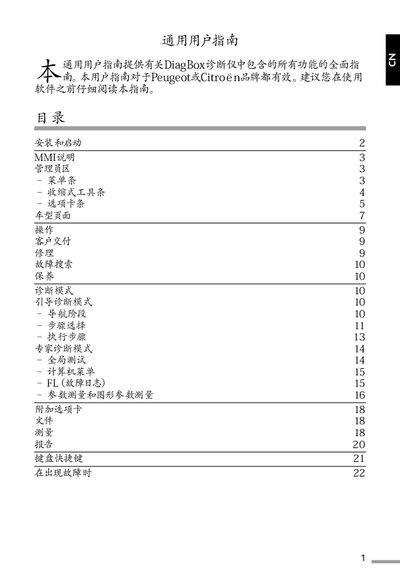
This manual introduces the DiagBox software, describing how to install the program, activate your account, and configure the diagnostic tool. It explains the Administrator area, MMI interface, and the various tabs used for vehicle selection, diagnostics, repairs, and reporting.
The guide also covers specific operations such as customer delivery, fault search, maintenance, and repair functions, as well as reporting features, keyboard shortcuts, and troubleshooting tips for internet connectivity and software updates. This manual is written in Chinese.
Covers: Installation and Startup · MMI Description and Administrator Area · Vehicle Selection Page · Operation Modes (Customer Delivery, Repair, Fault Search, Maintenance) · Reports and Session Management · Keyboard Shortcuts
Latest DiagBox软件 manuals
DiagBox Diagnostic Tool User Manual
User Manual 23 pages · 1.7 MB · ZHThe DiagBox Diagnostic Tool User Manual provides installation, activation, and operation instructions for Peugeot and Citroën vehicles.
Which document do I need?
User Manual
Day-to-day operation, settings and troubleshooting. Start here if the product is already set up.