
Key facts
- Manuals
- 1
- Categories
- 1
- Languages
- ZH
- Last added
- 2012-03-21
Featured D-IP35K manuals
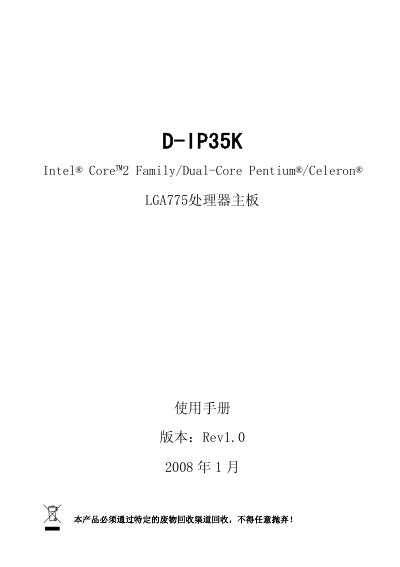
D-IP35K Intel Core 2 Family/Dual-Core Pentium/Celeron LGA775 CPU motherboard Manual
This manual covers the D‑IP35K ATX motherboard, detailing its features, supported Intel Core2/Dual‑Core Pentium/Celeron processors, memory configuration, and expansion options. It includes safety guidelines, hardware installation steps, connector descriptions, and BIOS configuration.
Additional sections provide driver installation procedures, an appendix with common troubleshooting, and a list of eSATA‑II compatible external drives. The document is intended for system builders and service technicians working with the D‑IP35K platform. This manual is written in Chinese.
Covers: Introduction · Hardware Installation · Connectors and Pin Headers · BIOS Settings · Driver Installation · Appendix
Latest D-IP35K manuals
D-IP35K Intel Core 2 Family/Dual-Core Pentium/Celeron LGA775 CPU motherboard Manual
User Manual 61 pages · 4.7 MB · ZHThe Damtin D‑IP35K motherboard user manual provides installation, BIOS setup, and driver installation instructions for LGA775 CPUs.
Which document do I need?
User Manual
Day-to-day operation, settings and troubleshooting. Start here if the product is already set up.
Questions answered in D-IP35K manuals
How many memory slots does the D‑IP35K motherboard have?
It provides four 240‑pin DDR2 DIMM slots.
From: D-IP35K Intel Core 2 Family/Dual-Core Pentium/Celeron LGA775 CPU motherboard Manual
What CPU socket is used on the D‑IP35K motherboard?
The board uses an Intel LGA775 socket.
From: D-IP35K Intel Core 2 Family/Dual-Core Pentium/Celeron LGA775 CPU motherboard Manual