
Key facts
- Manuals
- 1
- Categories
- 1
- Languages
- JA
- Last added
- 2012-03-16
Featured ColorEdge manuals
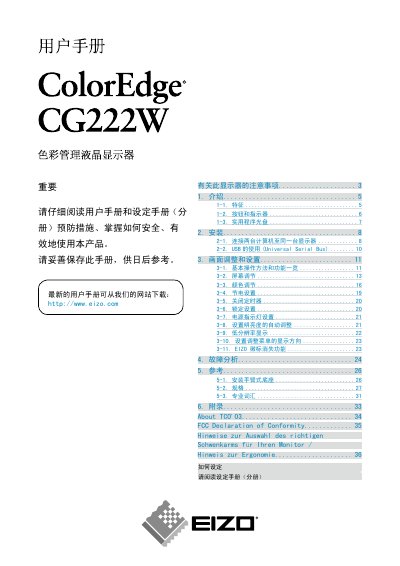
Eizo CG222W Monitor User Manual
This manual covers important safety precautions, basic operation methods, and the use of USB connections for the CG222W LCD monitor. It also explains how to install the monitor, connect it to a computer, and use the supplied calibration software such as ColorNavigator and UniColor Pro.
Additional sections describe cleaning recommendations, pixel defect specifications, backlight lifetime, and ergonomic guidelines for selecting a suitable swivel arm. The document ends with FCC compliance information and contact details for Eizo Europe and Eizo Japan. This manual is written in Japanese.
Covers: Safety Precautions · Basic Operation · USB Usage · Installation · Calibration Software · Cleaning Guidelines
Latest ColorEdge manuals
Eizo CG222W Monitor User Manual
User Manual 37 pages · 3.1 MB · JAThe Eizo CG222W monitor user manual provides safety, installation, and operation instructions for the ColorEdge CG222W LCD display.
Which document do I need?
User Manual
Day-to-day operation, settings and troubleshooting. Start here if the product is already set up.
Questions answered in ColorEdge manuals
What cleaning agents should be used on the CG222W screen?
Use a soft cloth; avoid alcohol, solvents, or abrasive cleaners. A mild detergent mixed with water may be used for stubborn stains.
How many DVI‑D inputs does the monitor have?
The CG222W provides two DVI‑D inputs.