
Key facts
- Manuals
- 1
- Languages
- ZH
- Last added
- 2012-01-14
Featured CIA111 manuals
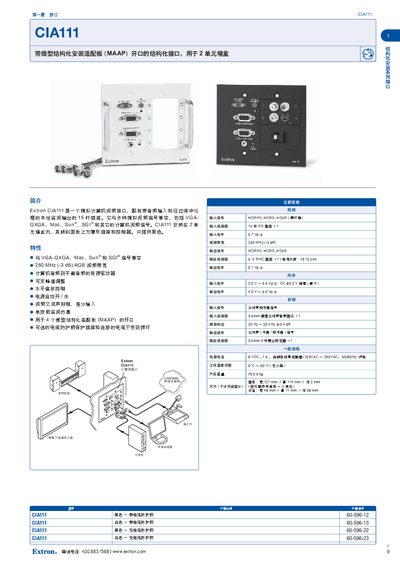
Extron CIA111 Interface Installation Manual
The Extron CIA111 is an analog computer video interface that supports VGA‑QXGA, Mac, Sun®, and SGI® signals. It is installed in a 2‑unit wall box and includes a 15‑pin HD connector for video and audio input, as well as BNC outputs for video and a 3.5 mm jack for audio.
The manual describes the interface’s key features such as 250 MHz video bandwidth, active audio driver, variable peak adjustment, horizontal offset control, auto power, and four MAAP (micro‑structured adapter plate) openings. Optional cable‑protective handles are also listed. This manual is written in Chinese.
Covers: Introduction · Features · Model Options · Main Specifications · General Specifications
Latest CIA111 manuals
Extron CIA111 Interface Installation Manual
Installation Guide 1 pages · 334 KB · ZHThe Extron CIA111 Interface Installation Manual provides specifications, features, and wiring details for the analog video interface with MAAP openings for…
Which document do I need?
Installation Guide
Mounting, wiring and first power-up. Read it before the hardware goes in.
Questions answered in CIA111 manuals
What video signals are compatible with the CIA111?
The CIA111 works with VGA‑QXGA, Mac, Sun®, and SGI® computer video signals.
How many MAAP openings does the CIA111 provide?
It provides openings for four micro‑structured adapter plates (MAAP).