
Key facts
- Manuals
- 1
- Categories
- 1
- Languages
- ZH
- Last added
- 2012-03-09
Featured CamScanner manuals
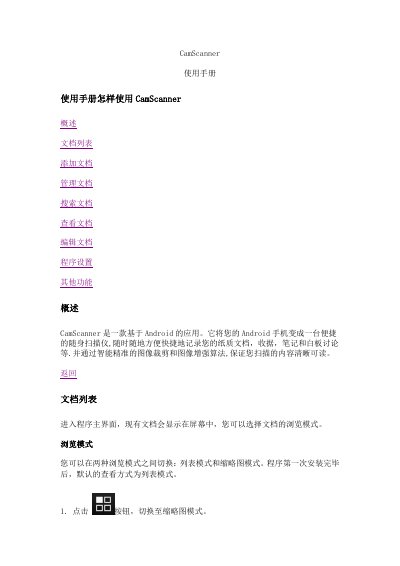
CamScanner User Manual
CamScanner is an Android application that turns your phone into a portable scanner, allowing you to capture paper documents, receipts, notes and whiteboards. The manual explains how to acquire images, edit them with cropping and enhancement tools, and organize the resulting documents.
It also covers document management features such as renaming, deleting, tagging, sharing, uploading to cloud services, and adjusting program settings like image enhancement modes and PDF options. This manual is written in Chinese.
Covers: 概述 · 文档列表 · 添加文档 · 管理文档 · 搜索文档 · 查看文档
Latest CamScanner manuals
CamScanner User Manual
User Manual 10 pages · 266 KB · ZHStep‑by‑step guide for using the CamScanner Android app to scan, edit, manage and share documents.
Which document do I need?
User Manual
Day-to-day operation, settings and troubleshooting. Start here if the product is already set up.
Questions answered in CamScanner manuals
How do I switch between list and thumbnail view?
Tap the button to switch to thumbnail mode, or tap the other button to switch back to list mode.
From: CamScanner User Manual
How can I add images using the camera?
Press the camera button on the main screen to take a picture; you can also adjust the flash and capture multiple images.
From: CamScanner User Manual