
Key facts
- Manuals
- 1
- Languages
- JA
- Last added
- 2000-01-01
Featured BT-522H manuals
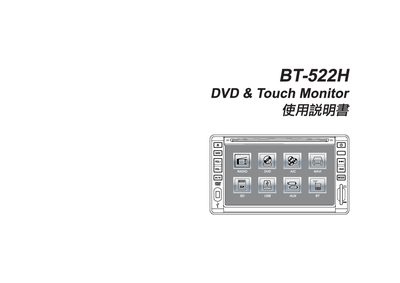
BT-522H DVD Touch Monitor User Manual
This manual explains safe usage of the BT-522H DVD Touch Monitor, including precautions for low‑temperature operation, cleaning of discs, and handling of the device in a vehicle environment. It also details the functions of the main screen, navigation button, volume controls, and other dedicated keys.
The guide covers supported media formats for USB and SD cards, describes how to switch between DVD playback and navigation modes, and lists the technical specifications such as power requirements, operating temperature range, screen size, dimensions, and weight. This manual is written in Japanese.
Covers: Safety Instructions · Precautions · Main Screen and Button Functions · Navigation Mode Operation · USB and SD Card Support · Troubleshooting
Latest BT-522H manuals
BT-522H DVD Touch Monitor User Manual
User Manual 28 pages · 2.4 MB · JAThe BT-522H DVD Touch Monitor User Manual provides safety instructions, operation guidance, and specifications for the in‑car DVD player with navigation.
Which document do I need?
User Manual
Day-to-day operation, settings and troubleshooting. Start here if the product is already set up.
Questions answered in BT-522H manuals
Which file formats can be used on the USB and SD slots?
The device supports audio files in mp3 format and image/video files in jpg, mpg, and mpeg formats.
What is the recommended power source for the monitor?
The monitor requires a +12 V power source, with an acceptable voltage range of 10.8 V to 15.6 V.