
Key facts
- Manuals
- 1
- Categories
- 1
- Languages
- ZH
- Last added
- 2012-03-21
Featured Book manuals
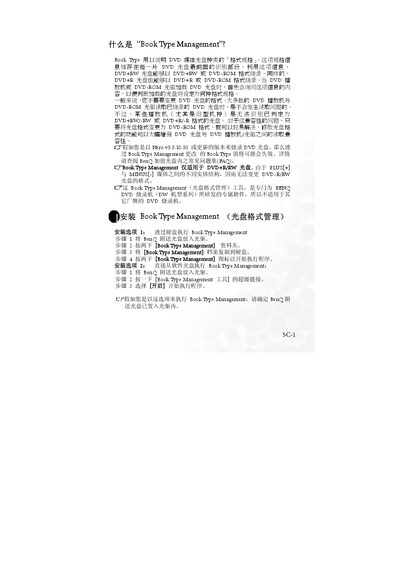
BenQ DW Series DVD Burner Book Type Management Installation Guide
The Book Type Management utility lets users view and modify the book type information stored in the lead‑in area of a DVD disc. By changing the book type, a DVD+RW or DVD+R disc can be written in DVD‑ROM mode, improving compatibility with older DVD players.
The guide provides two installation options – running the program from the hard drive or launching it directly from the supplied CD – and explains how to check the current drive setting, change the book type to DVD‑ROM, and verify the media status. It also notes that DVD+R discs cannot have their book type changed after they are written. This manual is written in Chinese.
Covers: Installation Options · Usage Method 1: Check and Modify Drive Format · Usage Method 2: Confirm and Change Disc Format · Drive Settings · Book Type Status
Latest Book manuals
BenQ DW Series DVD Burner Book Type Management Installation Guide
Installation Guide 5 pages · 478 KB · ZHGuide for installing and using the Book Type Management tool to set DVD book types on BenQ DW series DVD burners.
Which document do I need?
Installation Guide
Mounting, wiring and first power-up. Read it before the hardware goes in.
Questions answered in Book manuals
Which BenQ DVD burners are compatible with Book Type Management?
The utility works only with BenQ DVD burners of the DW series.
From: BenQ DW Series DVD Burner Book Type Management Installation Guide