
Key facts
- Manuals
- 1
- Languages
- ZH
- Last added
- 2012-03-09
Featured BMWCICAUDI接口盒安装使用说明v201002 manuals
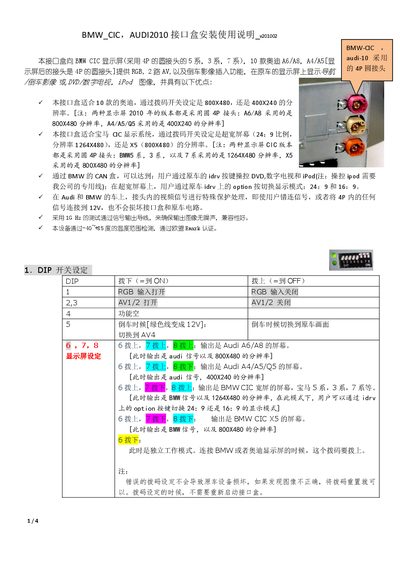
BMWCICAUDI Interface Box installation User Manualv201002
This guide explains how to install the CIC Interface Box in BMW and Audi vehicles. It covers wiring the 4‑pin and 6‑pin connectors, setting DIP switches for different screen resolutions, and connecting the CAN box for vehicle control functions.
The document also details operation of the side buttons for image adjustment, source selection (DVD, TV, iPod), and automatic rear‑camera switching, as well as troubleshooting tips for incorrect DIP settings and missing control signals. This manual is written in Chinese.
Covers: DIP Switch Settings · Wiring Instructions · CAN Line Connection · Video Signal Handling · BMW User Controls · Automatic Reverse Camera
Latest BMWCICAUDI接口盒安装使用说明v201002 manuals
BMWCICAUDI Interface Box installation User Manualv201002
Installation Guide 4 pages · 1018 KB · ZHInstallation guide for the BMW/Audi CIC Interface Box that adds RGB, AV and rear‑camera functions to compatible vehicle displays.
Which document do I need?
Installation Guide
Mounting, wiring and first power-up. Read it before the hardware goes in.
Questions answered in BMWCICAUDI接口盒安装使用说明v201002 manuals
What temperature range is the interface box rated for?
It operates safely from –40 °C up to +85 °C.
From: BMWCICAUDI Interface Box installation User Manualv201002
Do I need to restart the interface box after changing DIP settings?
No, the DIP switches can be changed without powering the box off.
From: BMWCICAUDI Interface Box installation User Manualv201002