
Key facts
- Manuals
- 2
- Categories
- 1
- Languages
- ZH
- Last added
- 2012-02-20
Featured AutoCAD manuals
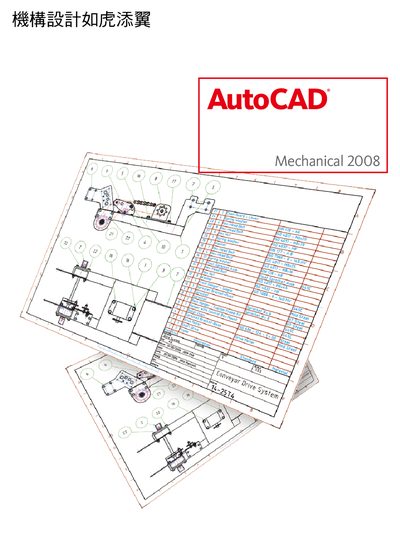
Autodesk AutoCAD Mechanical 2008 User Manual
This manual introduces AutoCAD Mechanical 2008, a specialized version of AutoCAD for 2‑D mechanical engineering. It describes the built‑in libraries, layer management, automated hole‑table generation, and tools such as the IGES converter and 2‑D FEA analysis.
The guide also covers workflow‑enhancing features like snap settings, design guidance, and material‑table management, helping engineers reduce repetitive work and improve productivity. This manual is written in Chinese.
Covers: Features Overview · Layer Management · Component Library · Hole Table Generation · IGES Converter · Material Table Management
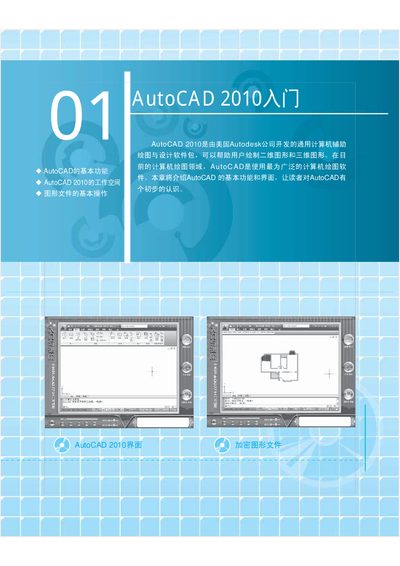
Autodesk AutoCAD 2010 Software QuickStart Guide
This guide covers the core capabilities of AutoCAD 2010, including 2‑D and 3‑D drawing commands, annotation tools, and rendering options. It explains how to create and edit basic geometry, apply dimensions, and produce plotted output.
It also describes the three workspace modes (2‑D Sketch & Annotation, 3‑D Modeling, and Classic), the Quick Access Toolbar, Ribbon, command line, status bar, and file‑management features such as opening, saving, encrypting, and repairing drawing files. This manual is written in Chinese.
Covers: Basic Functions · Workspace Modes · Quick Access Toolbar · Title Bar · Drawing Window · Ribbon (Function Tab)
Latest AutoCAD manuals
Autodesk AutoCAD Mechanical 2008 User Manual
User Manual 12 pages · 1.8 MB · ZHThe AutoCAD Mechanical 2008 user manual explains how to use Autodesk's 2‑D mechanical design tools and automation features.
Autodesk AutoCAD 2010 Software QuickStart Guide
Quick Start Guide 12 pages · 2.2 MB · ZHThe Autodesk AutoCAD 2010 QuickStart Guide introduces basic functions, workspace modes, drawing tools, and file handling for new users.
Which document do I need?
User Manual
Day-to-day operation, settings and troubleshooting. Start here if the product is already set up.
Quick Start Guide
The shortest path to a working setup, usually only a few pages.
Questions answered in AutoCAD manuals
Can the software automatically generate a hole table?
Yes, the program can quickly create a correct hole table and update it automatically as the design changes.
What analysis tools are included?
The manual describes a 2‑D Finite Element Analysis (FEA) tool for checking design strength under static loads.
如何使用AutoCAD 局部打开图形文件?
在【选择文件】对话框中单击【打开】后面的按钮,选择【局部打开】并指定要加载的视图和图层,即可只打开所需的部分。