
Key facts
- Manuals
- 5
- Categories
- 1
- Languages
- EN · ZH
- Last added
- 2012-07-09
Featured ATI manuals
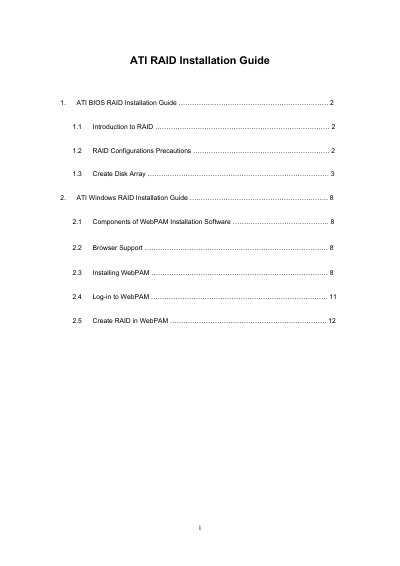
ATI RAID Installation Guide
This guide explains how to set up RAID arrays on ATI motherboards using the onboard FastBuild BIOS utility. It covers RAID concepts, configuration precautions, and the process of defining logical drives, selecting RAID levels (0, 1, 10), and finalizing the array.
The second part details the Windows‑based WebPAM management software for ATI SB600 SATA RAID controllers. It includes required browsers, installation steps, and how to create, name, and manage logical drives through the WebPAM interface.
Covers: ATI BIOS RAID Installation Guide · RAID Configurations Precautions · Create Disk Array · ATI Windows RAID Installation Guide · Components of WebPAM Installation Software · Browser Support
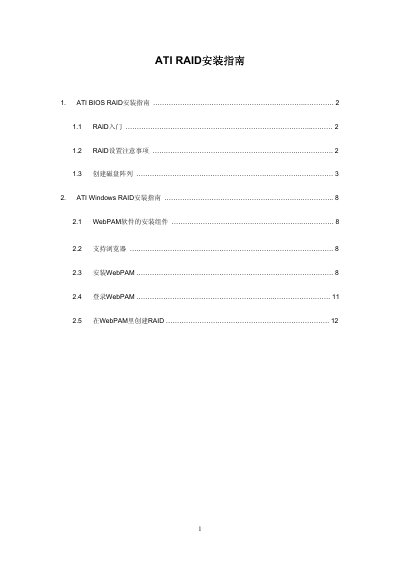
ATI RAID Installation Manual
This manual explains how to set up RAID arrays on ATI RAID controllers in both BIOS and Windows environments. It covers RAID basics, setup considerations, and step‑by‑step procedures for creating logical drives.
The Windows section details the installation of the WebPAM management software, supported browsers, and how to create and manage RAID arrays through the WebPAM interface. This manual is written in Chinese.
Covers: RAID Introduction · RAID Setup Considerations · Creating Disk Array · Windows RAID Installation Guide · WebPAM Software Components · Supported Browsers
ATI HYDRAVISION P/N 137-40335-30 User Manual
HYDRAVISION™ is a multi‑monitor management application that lets users adjust desktop layouts, switch between monitors, and customize application behavior. It supports up to two monitors and provides features such as MagnifyFX, hotkey control, and desktop layering.
The manual covers installation on Windows 98SE, Me, NT4.0, 2000, and XP, as well as detailed instructions for using the Desktop Manager, configuring hotkeys, and employing advanced tools like MagnifyFX and transparency controls. This manual is written in Chinese.
Covers: Introduction · Installation · Supported Windows Versions · Desktop Management Control · Dialog Control · Window Control
Latest ATI manuals
ATI Multimedia Center 8.1 User Guide
The document is the User's Guide for ATI Multimedia Center 8.1, providing information on the features and characteristics of ATI Technologies Inc. products.
ATI Multimedia Center 7 user manual
This document is the User's Guide for ATI Multimedia Center 7, Version 5.0. It describes the features and specifications of products such as ALL-IN-WONDER 128, ALL-IN-WONDER 128 PRO, and ALL-IN-WONDER RADEON by ATI Technologies Inc.
ATI RAID Installation Guide
Installation Guide 16 pages · 798 KB · ENStep‑by‑step guide for configuring ATI BIOS and Windows RAID using FastBuild and WebPAM utilities.
ATI RAID Installation Manual
Installation Guide 16 pages · 883 KB · ZHInstallation guide for configuring ATI RAID in BIOS and Windows using WebPAM software.
ATI HYDRAVISION P/N 137-40335-30 User Manual
User Manual 60 pages · 1.6 MB · ZHThe ATI HYDRAVISION user manual explains how to install, configure, and use the multi‑monitor management software on supported Windows systems.
Which document do I need?
Installation Guide
Mounting, wiring and first power-up. Read it before the hardware goes in.
User Manual
Day-to-day operation, settings and troubleshooting. Start here if the product is already set up.
Questions answered in ATI manuals
How do you enter the FastBuild BIOS utility to configure RAID?
After powering on, press <Ctrl‑F> to launch the FastBuild utility where you can define logical drives and RAID levels.
Which browsers are required for the WebPAM RAID management software?
WebPAM works with Internet Explorer 6.0, Mozilla Suite 1.7, Mozilla Firefox 1.0, or Netscape Navigator 7.1.
What browsers are required to use the WebPAM management software?
You need Internet Explorer 6.0, Mozilla Suite 1.7, Mozilla Firefox 1.0, or Netscape Navigator 7.1.
How do I install HYDRAVISION?
Insert the ATI installation CD into the CD‑ROM drive, run D:\ATISETUP, and follow the installation wizard prompts.
How can I enable or remove hotkeys in HYDRAVISION?
Use the Hotkey Control in the Desktop Manager to create or remove hotkeys for switching desktops and other functions.