
Key facts
- Manuals
- 1
- Languages
- ZH
- Last added
- 2012-03-12
Featured AG-168V manuals
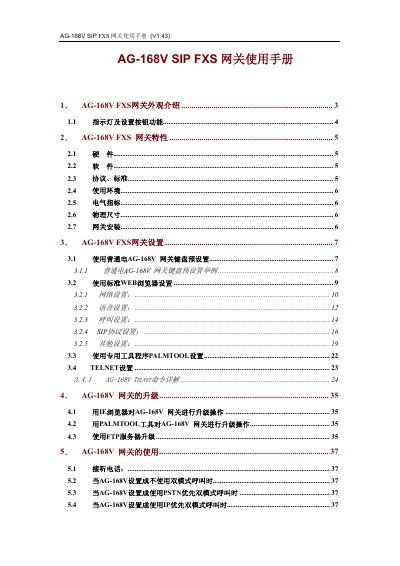
AG AG-168V SIP FXS Gateway User Manual
This manual describes the AG-168V SIP FXS Gateway, covering its external appearance, hardware components, software features, supported protocols, and environmental requirements. Detailed instructions are provided for initial installation, network configuration via keypad, web browser, PALMTOOL, and Telnet, as well as firmware upgrade procedures.
Additional sections address factory reset, common troubleshooting questions, and advanced settings such as dialing rules, internal line configuration, and TOS parameters, helping users to fully operate and maintain the device. This manual is written in Chinese.
Covers: Appearance Overview · Features · Hardware · Software · Protocols and Standards · Electrical Specifications
Latest AG-168V manuals
AG AG-168V SIP FXS Gateway User Manual
User Manual 43 pages · 666 KB · ZHThe AG-168V SIP FXS Gateway User Manual provides hardware overview, setup steps, configuration options, and troubleshooting guidance.
Which document do I need?
User Manual
Day-to-day operation, settings and troubleshooting. Start here if the product is already set up.
Questions answered in AG-168V manuals
How can I upgrade the AG-168V gateway using PALMTOOL?
Use the PALMTOOL utility as described in Chapter 4 to load the firmware binary file and update the device.
Why does the gateway show an IP address of 0.0.0.0?
The device is set to DHCP but did not obtain an address, possibly due to a disconnected cable or missing DHCP server; switch to static IP or check the network.