
Key facts
- Manuals
- 1
- Languages
- ZH
- Last added
- 2012-03-12
Featured 9700 manuals
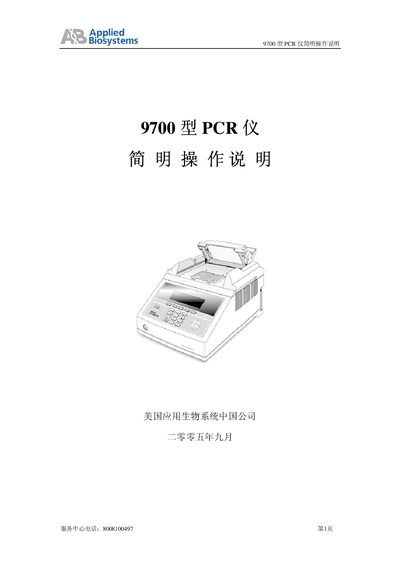
Applied Biosystems 9700 PCR Instrument Quick Start Guide
The guide provides a concise overview of the 9700 PCR instrument, highlighting its blue LCD display, 96‑well sample block, and fast temperature ramp rate of up to 3.5 °C/sec. It outlines the environmental requirements (5‑40 °C, 20‑80 % humidity) and power specifications (220 V ± 5 V with grounding).
Step‑by‑step instructions cover sample block installation, navigation of the control panel and main menu, creating and editing method files, running PCR programs, and using built‑in utilities such as self‑diagnostics, Tm calculation, and instrument configuration. The guide also explains how to add user names, set passwords, and view run history. This manual is written in Chinese.
Covers: Overview · Installation and Operating Conditions · Sample Block Installation · Control Panel and Main Menu · Creating and Editing Method Files · Running a PCR Program
Latest 9700 manuals
Applied Biosystems 9700 PCR Instrument Quick Start Guide
Quick Start Guide 14 pages · 398 KB · ZHSimple operating instructions for the Applied Biosystems 9700 PCR instrument, covering setup, method creation, and basic functions.
Which document do I need?
Quick Start Guide
The shortest path to a working setup, usually only a few pages.
Questions answered in 9700 manuals
What is the recommended operating temperature range for the 9700?
The instrument can operate from 5 °C to 40 °C, with the optimal range being 15 °C to 30 °C.
From: Applied Biosystems 9700 PCR Instrument Quick Start Guide
What is the maximum heating/cooling rate of the sample block?
The sample block can change temperature at up to 3.5 °C per second.
From: Applied Biosystems 9700 PCR Instrument Quick Start Guide