
Key facts
- Manuals
- 2
- Languages
- ZH
- Last added
- 2000-01-01
Featured Shanghai众贤电子 manuals
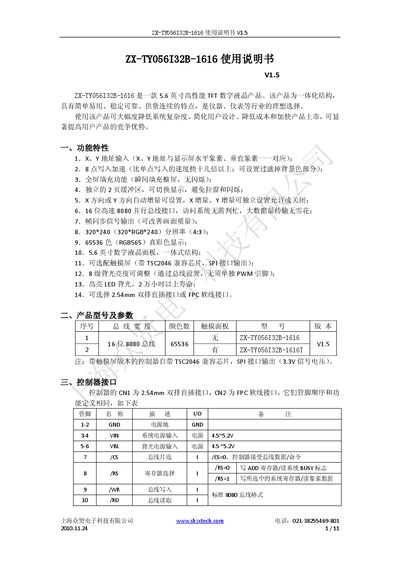
Zhongxian ZX-TY056I32B-1616 User Manual
This manual describes the features, specifications, and operation of the ZX‑TY056I32B‑1616 5.6‑inch TFT LCD controller. It covers hardware interfaces, parallel‑bus read/write procedures, system registers, address increment modes, and optional touch‑screen support.
The document also provides wiring diagrams, programming examples, installation dimensions, and application notes for instrument and meter integration. This manual is written in Chinese.
Covers: 功能特性 · 产品型号及参数 · 控制器接口 · 并行总线读写操作 · 系统寄存器及功能 · 地址自动增量方式
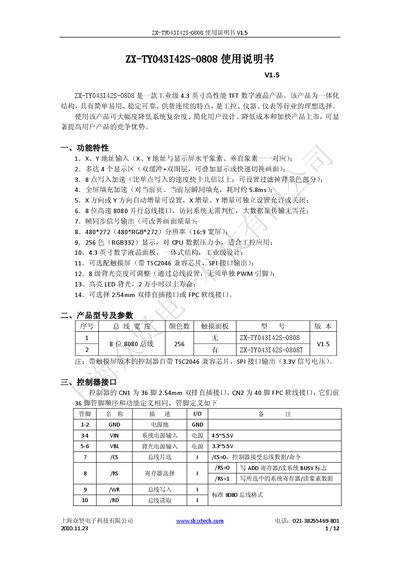
Zhongxian ZX-TY043I42S-0808 TFT LCD User Manual
The ZX‑TY043I42S‑0808 is an industrial‑grade 4.3‑inch TFT LCD with a 480×272 resolution and 256‑color RGB332 display. It offers X/Y address input, multiple display zones, fast 8‑point write, full‑screen fill, frame‑sync output and optional touch screen support.
This manual provides detailed functional specifications, connector pin‑outs, parallel‑bus read/write timing, system register functions, automatic address increment modes, graphics layer management, frame‑sync refresh guidelines, reference code examples, mechanical dimensions and application notes. This manual is written in Chinese.
Covers: Features and Specifications · Product Model and Parameters · Controller Interfaces · Parallel Bus Read/Write Operations · System Registers and Functions · Automatic Address Increment Modes
Latest Shanghai众贤电子 manuals
Zhongxian ZX-TY056I32B-1616 User Manual
User Manual 11 pages · 600 KB · ZHUser manual for the 5.6‑inch high‑performance TFT LCD controller ZX‑TY056I32B‑1616 by Zhongxian.
Zhongxian ZX-TY043I42S-0808 TFT LCD User Manual
User Manual 12 pages · 619 KB · ZHUser manual for the Zhongxian ZX‑TY043I42S‑0808 4.3" industrial TFT LCD, covering features, wiring, commands and installation.
Which document do I need?
User Manual
Day-to-day operation, settings and troubleshooting. Start here if the product is already set up.
Questions answered in Shanghai众贤电子 manuals
What is the signal voltage for the controller interface?
The controller signal voltage is 3.3 V.
How can I avoid flicker when switching display pages?
Switch the DISP_P register only after capturing the SYNC (frame‑sync) signal.
How can the backlight be adjusted?
Backlight brightness is set through the bus by writing a level value (0‑7) to the LUM register; no separate PWM pin is required.
Is a touch screen version available?
Yes, a version with a TSC2046‑compatible touch controller and SPI interface can be ordered (model ZX‑TY043I42S‑0808T).