
Key facts
- Manuals
- 2
- Models
- 1
- Categories
- 1
- Languages
- ZH
- Last added
- 2000-01-01
eView models by category
Featured eView manuals
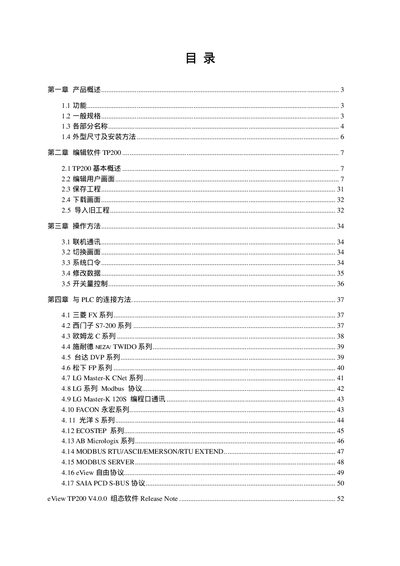
eView MD204L V4 User Manual
This manual provides a complete overview of the MD204L V4 compact human‑machine interface, including its features, key layout, and environmental ratings. It explains how to install the unit, connect power and communication ports, and adjust the LCD contrast.
The document also covers the TP200 configuration software, communication protocols with various PLC families, and detailed procedures for editing screens, setting registers, and handling alarms. Appendices contain the free‑protocol specification and additional usage notes. This manual is written in Chinese.
Covers: Product Overview · General Specifications · Component Names · Physical Dimensions and Installation · TP200 Editing Software · Communication
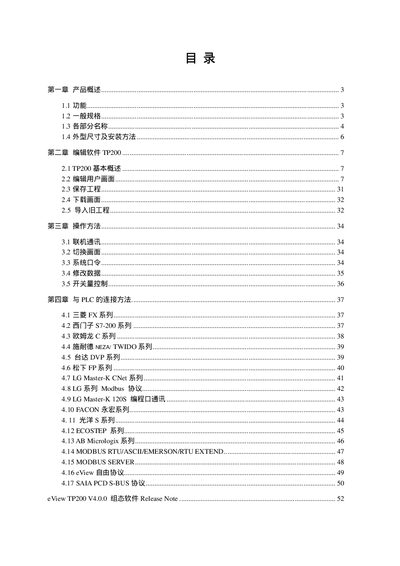
eView MD204L V4 User Manual
The MD204L V4 is a compact programmable text display designed to work with a variety of PLCs. It provides text, indicator lights and alarm lists, and can be configured via the TP200 configuration software on a PC.
The manual covers hardware specifications, mounting, power and communication connections, key functions, and detailed communication protocols for RS232/RS422/RS485 and Modbus. It also includes software usage, screen editing, and troubleshooting notes. This manual is written in Chinese.
Covers: Product Overview · General Specifications · Part Names · Physical Dimensions and Installation · Editing Software TP200 · Communication
Latest eView manuals
eView MD204L V4 User Manual
User Manual 59 pages · 1.2 MB · ZHThe eView MD204L V4 user manual describes installation, specifications, key functions, communication setup and editing software for this compact HMI.
eView MD204L V4 User Manual
User Manual 59 pages · 1.2 MB · ZHThe eView MD204L V4 user manual explains features, installation, wiring, and operation of this small programmable text display.
Which document do I need?
User Manual
Day-to-day operation, settings and troubleshooting. Start here if the product is already set up.
Questions answered in eView manuals
How many front keys does the MD204L have?
The MD204L has 20 membrane‑switch keys on its front panel.
What is the input voltage range for the MD204L?
The device operates from DC12 V to DC24 V.
How many keys does the MD204L have?
The MD204L has 20 membrane‑switch keys that can be defined for various functions.
How can the screen contrast be adjusted?
Rotate the contrast potentiometer on the back of the unit using a small screwdriver.