
Key facts
- Manuals
- 1
- Languages
- JA
- Last added
- 2012-03-10
Featured CSW-M85 manuals
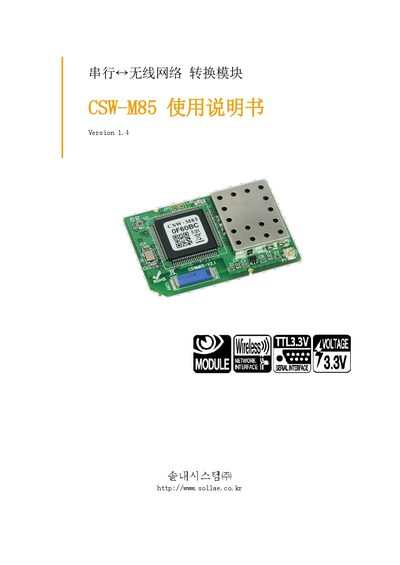
Sollae CSW-M85 User Manual
This manual provides an overview of the CSW-M85 device, a compact TCP/TP communication module that converts serial data to network protocols. It describes the main features, such as support for serial‑to‑TCP/TP conversion, Wi‑Fi (802.11b/g) connectivity, and configuration via ezManager.
The document details hardware specifications, software settings, operation modes (general, IS, AT command, UDP, etc.), security options (WEP, WPA/WPA2), and procedures for factory reset, firmware update, and technical support. This manual is written in Japanese.
Covers: Overview · Key Features · Hardware Specifications · Software Specifications · Operation Modes · Configuration and Setup
Latest CSW-M85 manuals
Sollae CSW-M85 User Manual
User Manual 61 pages · 2.5 MB · JAThe Sollae CSW-M85 manual explains hardware specs, configuration options, and operation modes for the TCP/TP communication device.
Which document do I need?
User Manual
Day-to-day operation, settings and troubleshooting. Start here if the product is already set up.
Questions answered in CSW-M85 manuals
How can I reset the CSW-M85 to factory defaults?
Use the Factory Reset option in the ezManager configuration program to restore all parameters to their default values.
What security protocols are supported for Wi‑Fi connections?
The device supports WEP, WPA‑PSK, and WPA2‑PSK for wireless security.