
Key facts
- Manuals
- 1
- Languages
- EN
- Last added
- 2026-10-04
Featured Scantech-ID manuals
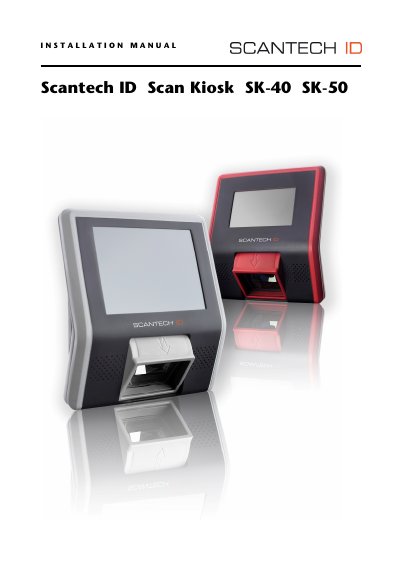
Scantech-ID SK-40 / SK-50 Installation Guide
This manual provides step‑by‑step instructions for installing and operating the Scantech‑ID ScanKiosk SK‑40 and SK‑50. It includes safety warnings, product overview, unpacking, and detailed procedures for mounting, connecting peripherals, and expanding memory.
The device can be mounted using a VESA 75 mm bracket or wall‑mount screws, and supports power‑over‑Ethernet, USB, SD‑card, and optional RS‑232 connections. Technical specifications such as processor, memory, display, and power requirements are listed in Appendix A.
Covers: About this Manual · Regulatory and Safety Information · Product Overview · Mounting the Device · Connecting the SK‑40 / SK‑50 · Power over Ethernet
Latest Scantech-ID manuals
Scantech-ID SK-40 / SK-50 Installation Guide
Installation Guide 40 pages · 1.8 MB · ENInstallation guide for Scantech-ID ScanKiosk SK-40 and SK-50, covering mounting, connections, power, and safety information.
Which document do I need?
Installation Guide
Mounting, wiring and first power-up. Read it before the hardware goes in.
Questions answered in Scantech-ID manuals
What safety standards does the SK‑40/50 meet?
The SK‑40 and SK‑50 comply with laser safety standards IEC 825 Class 1 and CDRH 21 CFR 1040, as well as electrical safety UL 60950‑1 and EMC directives.
What are the power requirements for the device?
The unit requires a +12 VDC supply (±10 %) at up to 1.5 A, with a nominal consumption of less than 1000 mA.