
Key facts
- Manuals
- 1
- Languages
- ZH
- Last added
- 2026-10-03
Featured Mooncell manuals
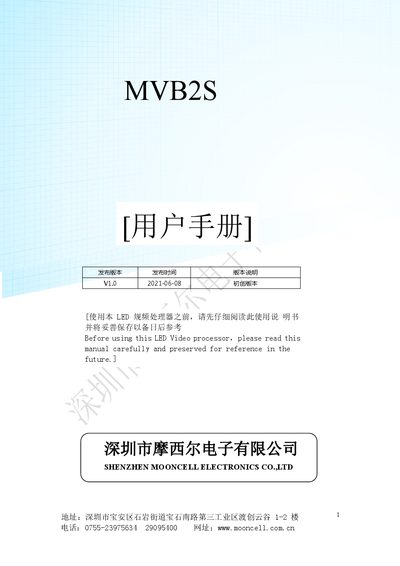
Mooncell MVB2S Video Processor User Manual
The MVB2S is a hardware‑based video processor designed for LED display systems. It supports multiple high‑definition inputs, offers image enhancement, noise reduction, and seamless channel switching, making it suitable for malls, hotels, exhibition halls and broadcast studios. The device includes two gigabit Ethernet ports, USB playback, and an intuitive LCD front panel.
The manual covers safety precautions, power requirements, hardware layout, and detailed operation menus. Users learn how to configure input sources, adjust image settings, manage USB media, lock front‑panel keys, and perform firmware upgrades. This manual is written in Chinese.
Covers: Product Overview · Features · Specifications · Hardware Overview · Application Scenarios · Operation Menu
Latest Mooncell manuals
Mooncell MVB2S Video Processor User Manual
User Manual 26 pages · 6.2 MB · ZHThe Mooncell MVB2S video processor user manual provides safety instructions, hardware overview, features, specifications, and operation menus.
Which document do I need?
User Manual
Day-to-day operation, settings and troubleshooting. Start here if the product is already set up.
Questions answered in Mooncell manuals
How do I play media from a USB drive?
Insert the USB drive into the processor’s USB port, then press the front‑panel “USB” signal switch key to enter USB mode before accessing the “U‑disk playback” menu.
How can I adjust VGA calibration manually?
Enter the “VGA Calibration” menu, select the “Manual” mode, and use the rotary knob to adjust horizontal start, vertical start, image width, and image height parameters until the display aligns correctly.