
Key facts
- Manuals
- 1
- Languages
- EN
- Last added
- 2022-09-26
Featured LZeal manuals
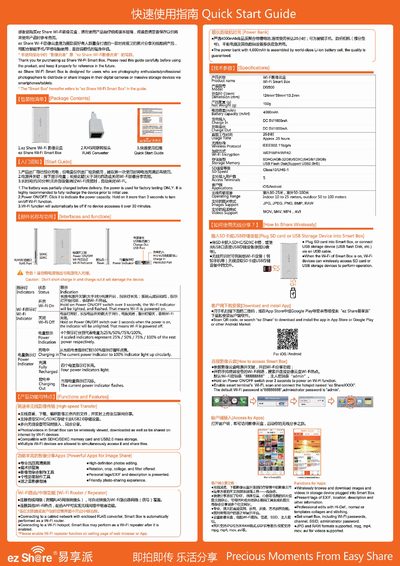
LZeal ez Share Wi-Fi Smart Box Quick Start Guide
The ez Share Wi‑Fi Smart Box is a portable device that lets photographers share images from cameras or storage devices to smartphones and tablets via Wi‑Fi. It supports SDHC/SDXC cards and USB‑mass‑storage, and can act as a Wi‑Fi router or repeater.
The guide explains how to power the device, use the USB and micro‑USB ports, configure Wi‑Fi settings, recharge external devices, and install the companion app. Safety and handling instructions are also provided.
Covers: Package Contents · Interfaces and Functions · Indicators and Status · Power Bank · Specifications · Connecting to Computer
Latest LZeal manuals
LZeal ez Share Wi-Fi Smart Box Quick Start Guide
Quick Start Guide 2 pages · 4.8 MB · ENQuick start guide for the LZeal ez Share Wi‑Fi Smart Box, covering setup, Wi‑Fi functions, power bank and specifications.
Which document do I need?
Quick Start Guide
The shortest path to a working setup, usually only a few pages.
Questions answered in LZeal manuals
What kinds of SD card can Smart Box support?
SDHC and SDXC are supported, with capacities from 4 GB up to 128 GB at Class 10 and UHS‑1 speed.
How to distinguish the two USB interfaces on Smart Box?
The standard USB port is used mainly for recharging other devices and reading external USB flash disks, while the micro‑USB port is for recharging the Smart Box itself and allowing a computer to access the SD card.