
Key facts
- Manuals
- 1
- Languages
- ZH
- Last added
- 2026-10-01
Featured 北京友我科技有限公司 manuals
Youwo Technology YW-630/YW-631 Modbus Reader Demo Program Manual
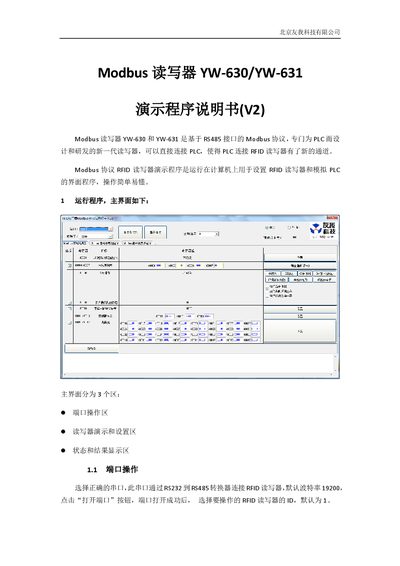
The document provides step‑by‑step instructions for operating the demonstration program that simulates a PLC interacting with RFID readers via the YW‑630/YW‑631 Modbus readers. It describes the three main interface areas – port operation, reader demo and settings, and status/result display – and shows how to open the serial port, select the reader ID, and perform basic read/write actions.
Further sections detail the configuration registers, including baud‑rate and station ID settings, card‑parameter registers, key registers, block data handling, and advanced options such as skipping key blocks, sleep mode, and data endian mode. The manual also lists the default register values and explains how to write to LED/buzzer controls and manage block data. This manual is written in Chinese.
Covers: Port Operation · Modbus Reader Demo · Register Read Operation · Register Write Operation · Basic Configuration · Advanced Configuration
Latest 北京友我科技有限公司 manuals
Youwo Technology YW-630/YW-631 Modbus Reader Demo Program Manual
User Manual 9 pages · 480 KB · ZHThis manual explains how to use the demo program for the Youwo Technology YW-630/YW-631 Modbus readers, covering port setup, register read/write, and…
Which document do I need?
User Manual
Day-to-day operation, settings and troubleshooting. Start here if the product is already set up.
Questions answered in 北京友我科技有限公司 manuals
How do I open the communication port?
Select the correct serial port, then click the “打开端口” button; the port will open successfully.
From: Youwo Technology YW-630/YW-631 Modbus Reader Demo Program Manual
How can I read a register value?
Select the desired register and click the “自动读” button; the register value will be automatically read and refreshed.
From: Youwo Technology YW-630/YW-631 Modbus Reader Demo Program Manual